
Introduktion
This manual provides essential instructions for the proper installation, operation, and maintenance of your Samsung BN07-01044A LCD-Panel. Please read this manual thoroughly before attempting to install or use the product to ensure safe and efficient operation. Keep this manual for future reference.
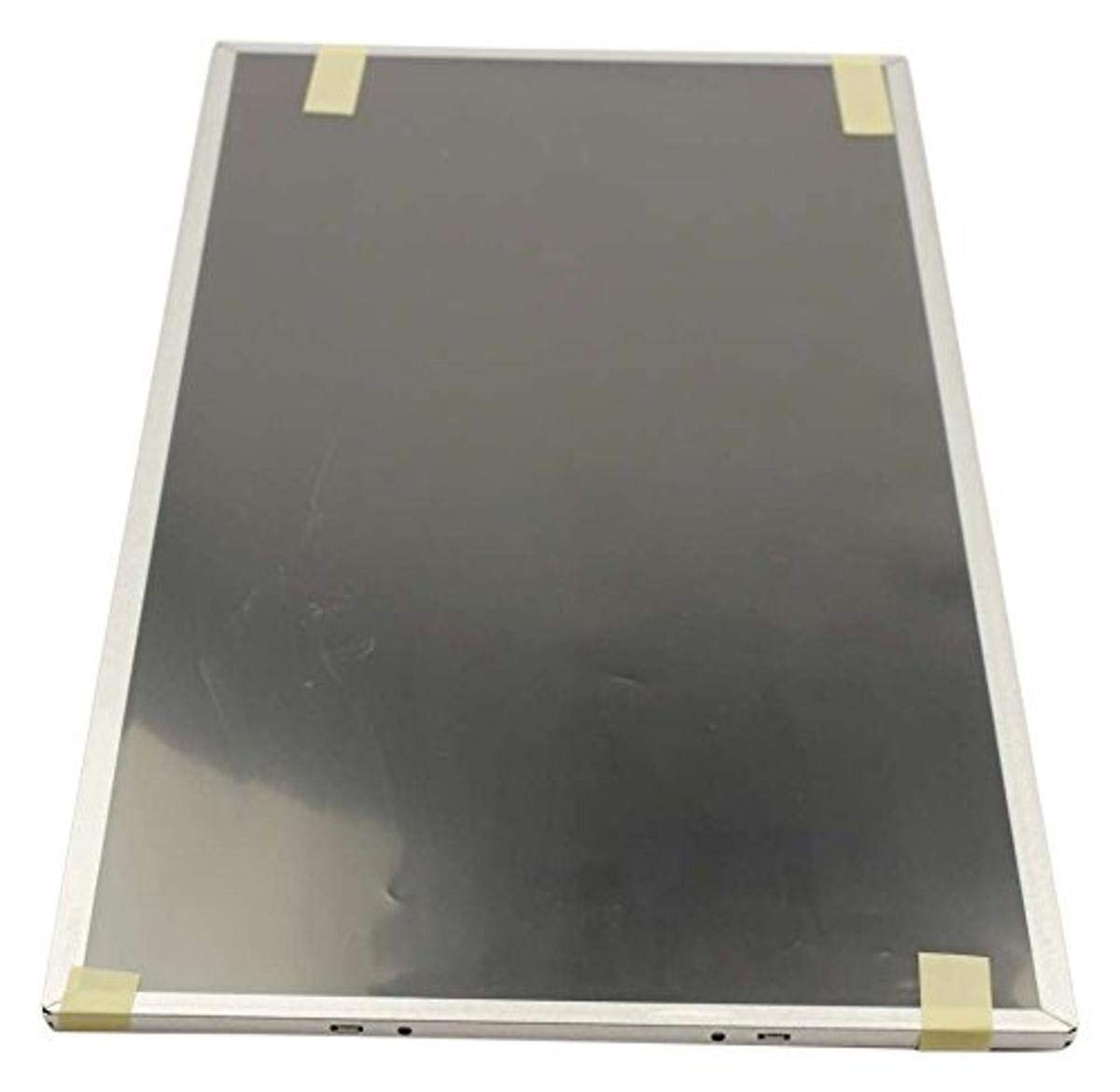
Figure 1: Samsung BN07-01044A LCD-Panel. This image displays the Samsung BN07-01044A LCD-Panel, showing its general form factor and connectors.
Säkerhetsinformation
Följ alltid följande säkerhetsåtgärder för att förhindra skador på produkten eller dig själv:
- Disconnect power from the device before installation or removal of the LCD panel.
- Handle the LCD panel with care. Avoid touching the screen surface directly.
- Wear anti-static gloves to prevent electrostatic discharge (ESD) damage.
- Se till att alla anslutningar är säkra innan du återställer strömmen.
- Do not expose the panel to moisture or extreme temperatures.
- Om du är osäker på något steg, kontakta en kvalificerad tekniker.
Paketets innehåll
Kontrollera att ditt paket innehåller följande artiklar:
- 1 x Samsung BN07-01044A LCD-Panel
- (Additional components, if any, will be listed on the product packaging.)
Installation och installation
This LCD panel is an OEM authorized replacement part. Installation typically involves replacing an existing panel within a compatible Samsung device. The following steps are general guidelines; refer to your specific device's service manual for detailed instructions.
- Förberedelse: Power off the device completely and disconnect it from all power sources. Remove the battery if applicable.
- demontering: Carefully disassemble the device to access the existing LCD panel. This may involve removing bezels, hinges, and screws.
- Koppla bort den gamla panelen: Gently disconnect the video cable (e.g., LVDS or eDP) and any backlight cables from the old panel. Note their orientation.
- Ta bort den gamla panelen: Remove the old LCD panel from its housing.
- Installera ny panel: Position the new Samsung BN07-01044A LCD-Panel into the housing. Ensure it fits securely.
- Anslut kablar: Reconnect the video cable and backlight cables to the new panel. Ensure connections are firm and correctly oriented.
- Återmontering: Carefully reassemble the device, ensuring no cables are pinched and all screws are tightened appropriately.
- Inledande test: Before fully closing the device, connect power and briefly test the display to ensure it functions correctly.
Notera: Professional installation is recommended for this component to avoid damage to the panel or the host device.
Användning av LCD-panelen
Once installed, the Samsung BN07-01044A LCD-Panel operates as the primary display for your compatible device. Its functionality is managed by the device's operating system and graphics hardware.
- Ström på: Turn on your device as usual. The LCD panel should display the boot sequence and operating system interface.
- Skärminställningar: Adjust display settings (e.g., resolution, brightness, contrast) through your device's operating system display preferences. Ensure the native resolution of the panel is selected for optimal clarity.
- Grafikdrivrutiner: Ensure your device has the latest graphics drivers installed for proper display performance.
Underhåll och skötsel
Proper care will extend the lifespan and maintain the performance of your LCD panel.
- Rengöring av skärmen: Använd en mjuk, luddfri trasa som är speciellt utformad för elektronik. Torka lättampen the cloth with water or a screen-cleaning solution (avoid ammonia-based cleaners). Gently wipe the screen in one direction.
- Undvik tryck: Do not press firmly on the screen, as this can damage the LCD matrix.
- Miljöförhållanden: Keep the device and panel away from direct sunlight, excessive heat, cold, or humidity.
- Damm: Regularly dust the screen and surrounding areas with a soft brush or compressed air.
Felsökning
If you encounter issues with your LCD panel, refer to the following common problems and solutions:
| Problem | Möjlig orsak | Lösning |
|---|---|---|
| Ingen skärm/svart skärm | Loose video cable, incorrect installation, faulty panel. |
|
| Flimrande eller förvrängd bild | Loose cable, incompatible drivers, panel defect. |
|
| Incorrect colors or brightness | Display settings, graphics driver issues. |
|
If these steps do not resolve the issue, contact Samsung customer support or a qualified service technician.
Specifikationer
| Särdrag | Detalj |
|---|---|
| Tillverkare | Samsung |
| Artikelnummer | BN07-01044A |
| Artikelnummer | BN07-01044A |
| Produktens mått | 21 x 15 x 3 tum |
| Objektets vikt | 5.71 pund |
| Artikel Paket kvantitet | 1 |
| Inkluderade komponenter | appliance-replacement-parts |
| ASIN | B01GSLDALU |
| Datum först tillgängligt | 8 juni 2016 |
Garanti och support
As an OEM authorized part, this Samsung BN07-01044A LCD-Panel is typically covered by the warranty terms provided by Samsung for their replacement parts. Please refer to the official Samsung website or contact Samsung customer service for detailed warranty information specific to replacement components.
För teknisk support eller serviceförfrågningar, besök den officiella Samsung Support webplats eller kontakta deras kundtjänstavdelning direkt.


