
Introduktion
Welcome to your eKids Pokemon Pikachu Wired Kids Headphones, Model 140. These headphones are designed to provide a safe and enjoyable audio experience for children, featuring parental volume controls and a comfortable fit. This manual provides essential information for setup, operation, and maintenance.

Bild: Fram view of the eKids Pokemon Pikachu Wired Kids Headphones.
Produktegenskaper
- Kids Headphones: Connect any device including smartphones, tablets, and computers via 3.5mm jack to enjoy high quality sound for entertainment and/or education. Listen to music, watch movies, TV, and YouTube, or use for remote learning, virtual classes, audiobooks, and more.
- Volymkontroll: Built-in parental volume controls provide kid-friendly sound levels in any setting, just slide the switch to create a custom sound experience (see back panel of packaging for details).
- Anpassad passform: Comfortable headphones feature an adjustable headband and soft ear cushions to provide a personalized fit when using headphones for school, home, or travel. Enjoy long lasting comfort during remote learning, virtual classes, road trips, and airplane rides, too.
- Pokemon Design: Over ear headphones feature cool graphics inspired by the one and only Pikachu. Looks great on any fan of Pokemon.
- Share Port: Includes a share port audio splitter, so you can connect two pairs of headphones to one audio device.
Installationsinstruktioner
Ansluta dina hörlurar
To connect your eKids Pokemon Pikachu Wired Kids Headphones to an audio device, locate the 3.5mm audio jack on your device (e.g., smartphone, tablet, computer). Insert the 3.5mm plug from the headphone cable firmly into the device's audio jack.

Image: A hand connecting the 3.5mm audio jack of the headphones to a tablet.
Video: This video demonstrates how to connect the eKids Pokemon Pikachu Wired Kids Headphones to an audio device and highlights key features like the volume control and share port.
Använda dina hörlurar
Justering av passformen
The headband is adjustable to provide a custom and comfortable fit for various head sizes. Gently slide the earcups up or down along the headband to achieve the desired size. The soft ear cushions are designed for extended wear comfort.

Image: The adjustable headband of the headphones, showing how it extends for a custom fit.
Volymkontroll
These headphones include a built-in parental volume control to ensure kid-friendly sound levels. A switch located on the headphone allows you to select between High (H), Medium (M), or Low (L) volume settings. Adjust this switch according to the listening environment and your child's hearing protection needs. Always start with a lower volume setting and increase gradually if necessary.

Image: Close-up of the parental volume control switch on the headphones, indicating High, Medium, and Low settings.
Using the Share Port
The headphones feature a share port audio splitter integrated into the cable. This allows you to connect a second pair of headphones to the eKids Pikachu headphones, enabling two users to listen to the same audio from a single device simultaneously. Simply plug the second pair of headphones into the share port.

Image: The share port on the headphone cable, designed for connecting a second pair of headphones.
Användning Examples
These headphones are versatile and suitable for various activities, providing entertainment and educational support in different environments.
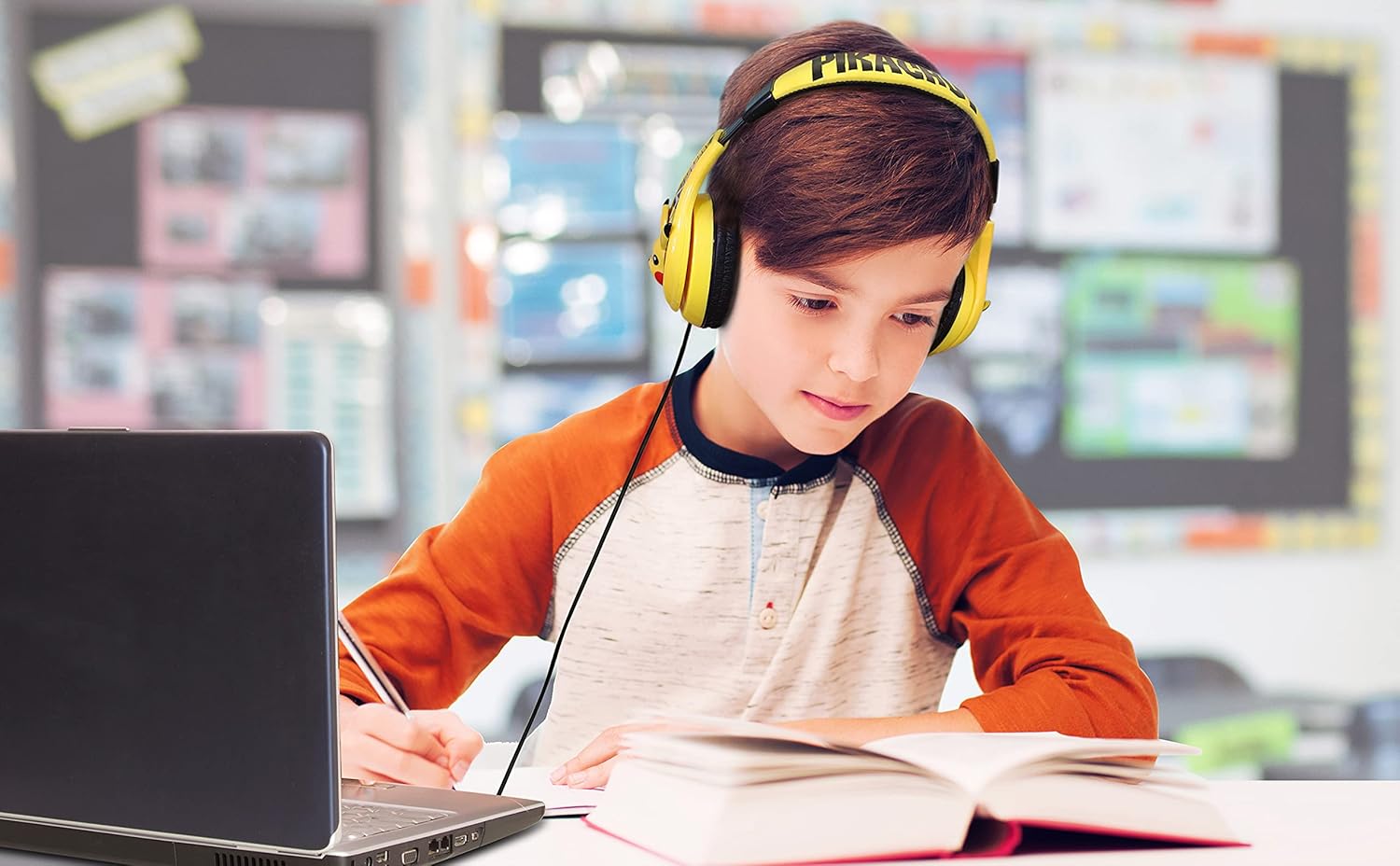
Image: A child wearing the headphones while engaged in schoolwork with a laptop and book.

Image: A child wearing the headphones in a car, indicating suitability for travel.
Skötsel och underhåll
Rengöring
To maintain the condition of your headphones, wipe them with a soft, dry cloth. Avoid using liquid cleaners, abrasive materials, or aerosols, as these can damage the product. Keep the headphones dry and away from moisture.
Lagring
When not in use, store the headphones in a clean, dry place. Avoid exposing them to extreme temperatures, direct sunlight, or high humidity, which can affect their performance and lifespan.
Felsökning
Inget ljud eller lågt ljud
- Ensure the 3.5mm audio plug is fully and securely inserted into the audio jack of your device.
- Check the volume level on both the connected audio device and the headphone's parental volume control switch. Make sure the device volume is not muted and the headphone switch is set to an appropriate level (H, M, or L).
- Test the headphones with a different audio device to determine if the issue is with the headphones or the original device.
- Inspect the audio cable for any visible damage, kinks, or breaks.
Förvrängt ljud
- Lower the volume on the connected device and the headphone's parental volume control. High volume levels can sometimes cause distortion.
- Ensure the audio plug and the device's audio jack are clean and free of dust or debris.
- Verify that the audio source itself is not distorted.
Produktspecifikationer
| Stämpla | eKids |
| Modellnummer | 140 |
| Modellnamn | Pokemon Pikachu Wired Youth Headphones |
| Anslutningsteknik | Kabelansluten |
| Hörlursuttag | 3.5 mm Jack |
| Öronplacering | På örat |
| Bullerkontroll | Ljudisolering |
| Ytterligare funktioner | Adjustable Headband, Parental Volume Control, Share Port |
| Kabelfunktioner | Trasselfri |
| Objektets vikt | 5 uns |
| Färg | Gul |
| Material | Plast |
Garanti och support
Garantiinformation
This product comes with a 1 Year Limited Warranty. Please refer to the original packaging or contact eKids customer support for detailed warranty terms and conditions.
Kundsupport
For further assistance, product inquiries, or to explore more eKids products, please visit the official eKids Brand Store.