
Introduktion
This manual provides essential information for the safe and effective use of your OKIN Remote Control. This remote is specifically designed for adjustable beds equipped with two OKIN motors, such as the Okinmat II and other refined hospital beds. It features a 5-pin cable connector for controlling both the head and foot sections of the bed. Please read these instructions carefully before installation and operation.
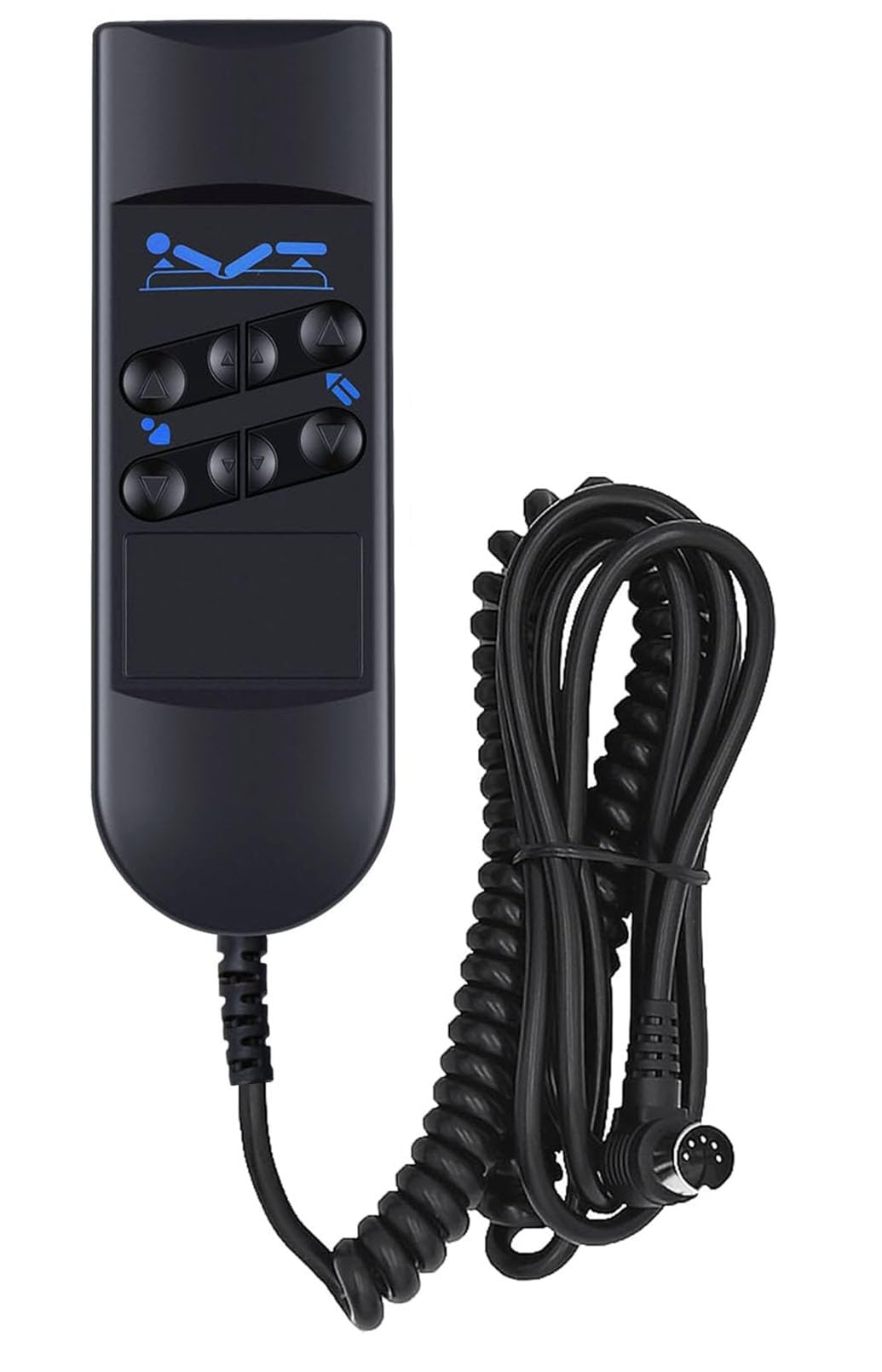
Image: The OKIN Remote Control shown in a bedroom setting, illustrating its compatibility with adjustable beds. The remote is designed for use with Okinmat II and refined hospital beds.
Installationsinstruktioner
- Unpack the Remote Control: Carefully remove the remote control from its packaging. Inspect for any visible damage.
- Leta reda på anslutningsporten: Identify the 5-pin connection port on your adjustable bed's motor system. This port is typically located near the bed's motor unit.
- Anslut fjärrkontrollen: Align the 5-pin connector of the remote control cable with the bed's connection port. Gently push until it clicks securely into place. Do not force the connection.
- Säkra kabeln: Ensure the cable is routed safely and does not pose a tripping hazard or get pinched by moving bed parts.
- Utilize the Hanging Hook: The remote control is equipped with a hanging hook on its back. This allows for convenient storage and easy access by hanging it on the side rail of the bed or another suitable location.

Image: The OKIN Remote Control showing its coiled cable and the 5-pin connector, ready for attachment to the bed's motor system.

Bild: A view of the back of the OKIN Remote Control, highlighting the integrated hanging hook and the 5-pin connector cable.
Bruksanvisning
The OKIN Remote Control features six distinct buttons for adjusting the position of your bed. Familiarize yourself with the button layout for proper operation.

Bild: En detaljerad view of the OKIN Remote Control, illustrating the function of each of the six buttons for head and foot adjustments.
- Huvudet upp: Press and hold the top-left button (up arrow) to raise the head section of the bed. Release to stop.
- Huvudet nedåt: Press and hold the bottom-left button (down arrow) to lower the head section of the bed. Release to stop.
- Fot upp: Press and hold the top-right button (up arrow) to raise the foot section of the bed. Release to stop.
- Fot ner: Press and hold the bottom-right button (down arrow) to lower the foot section of the bed. Release to stop.
- Combined Head & Foot Operation: The two middle buttons are designed to operate both the head and foot sections simultaneously. Press and hold the upper middle button to raise both sections, and the lower middle button to lower both sections. Release to stop.
Always ensure there are no obstructions under or around the bed when adjusting its position to prevent damage or injury.
Underhåll
- Rengöring: Torka av fjärrkontrollen med en mjuk, torr trasa. För envis smuts, torka av den lätt.amp cloth can be used, followed by immediate drying. Do not use abrasive cleaners or immerse the remote in water.
- Kabelvård: Regularly inspect the cable for any signs of wear, cuts, or damage. If damage is observed, discontinue use and contact customer support for a replacement. Avoid sharp bends or kinks in the cable.
- Lagring: When not in use, hang the remote control using its integrated hook to prevent it from falling or being damaged.
Felsökning
Fjärrkontrollen svarar inte
- Kontrollera anslutningen: Ensure the 5-pin connector is fully and securely plugged into the bed's motor system. A loose connection is a common cause of unresponsiveness.
- Inspektera kabel: Examine the remote control cable for any visible damage, such as cuts or frayed wires. If damage is found, the remote may need to be replaced.
- Strömförsörjning: Verify that the adjustable bed itself is properly connected to a power source and is receiving power.
- Motorisk funktion: If the remote is connected and the bed has power, but no movement occurs, there might be an issue with the bed's motor system. Consult your bed's instruction manual or contact the bed manufacturer.
If these steps do not resolve the issue, please contact the seller or manufacturer for further assistance.
Specifikationer
| Stämpla | OKIN |
| Modellnummer | 753510672686 |
| Anslutningstyp | 5-stift |
| Antal knappar | 6 |
| Kompatibilitet | Adjustable beds with two OKIN motors (e.g., Okinmat II, Refined Hospital Beds) |
| Färg | Svart |
| Specialfunktioner | Hängkrok |
| Paketets mått | 19.1 x 11.2 x 5.7 cm |
| Paketets vikt | 300 g |

Image: The back of the OKIN Remote Control, showing the product label with model and electrical specifications.
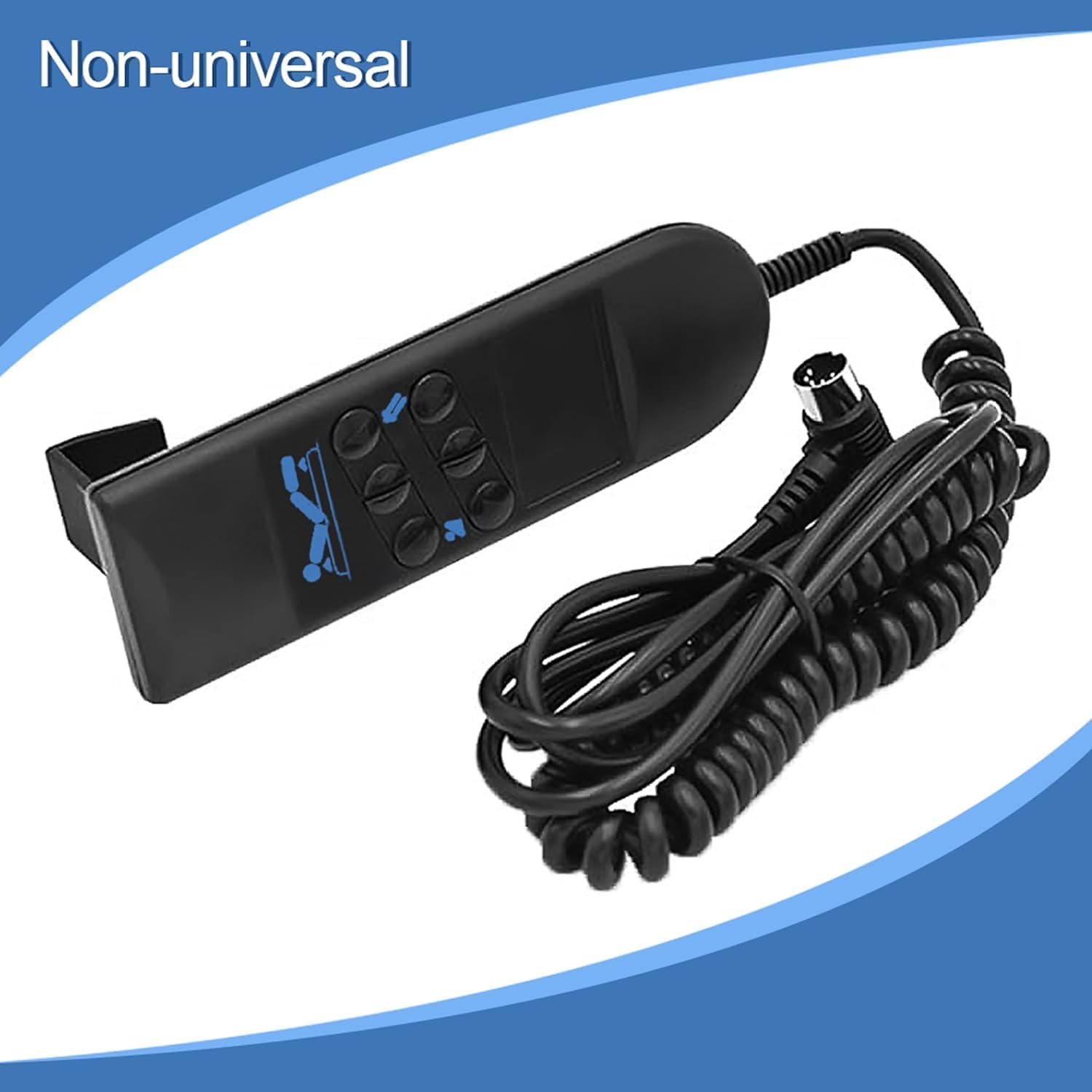
Image: The OKIN Remote Control with a label indicating it is 'Non-universal', emphasizing its specific compatibility requirements.
Garanti och support
For warranty information, technical support, or replacement parts, please contact the original seller or the manufacturer, OKIN, directly. Keep your purchase receipt as proof of purchase.
Tillverkare: OKIN
ASIN: B089VMFC6X