
FLSUN S1
FLSUN S1 3D-skrivare användarmanual
Your guide to setting up, operating, and maintaining your FLSUN S1 Ultra High-Speed FDM 3D Printer.
1. Introduction to FLSUN S1
The FLSUN S1 is a state-of-the-art 3D printer designed for high-speed and high-quality FDM printing. Featuring a stable Delta structure and advanced intelligent monitoring, it offers an exceptional printing experience right out of the box.
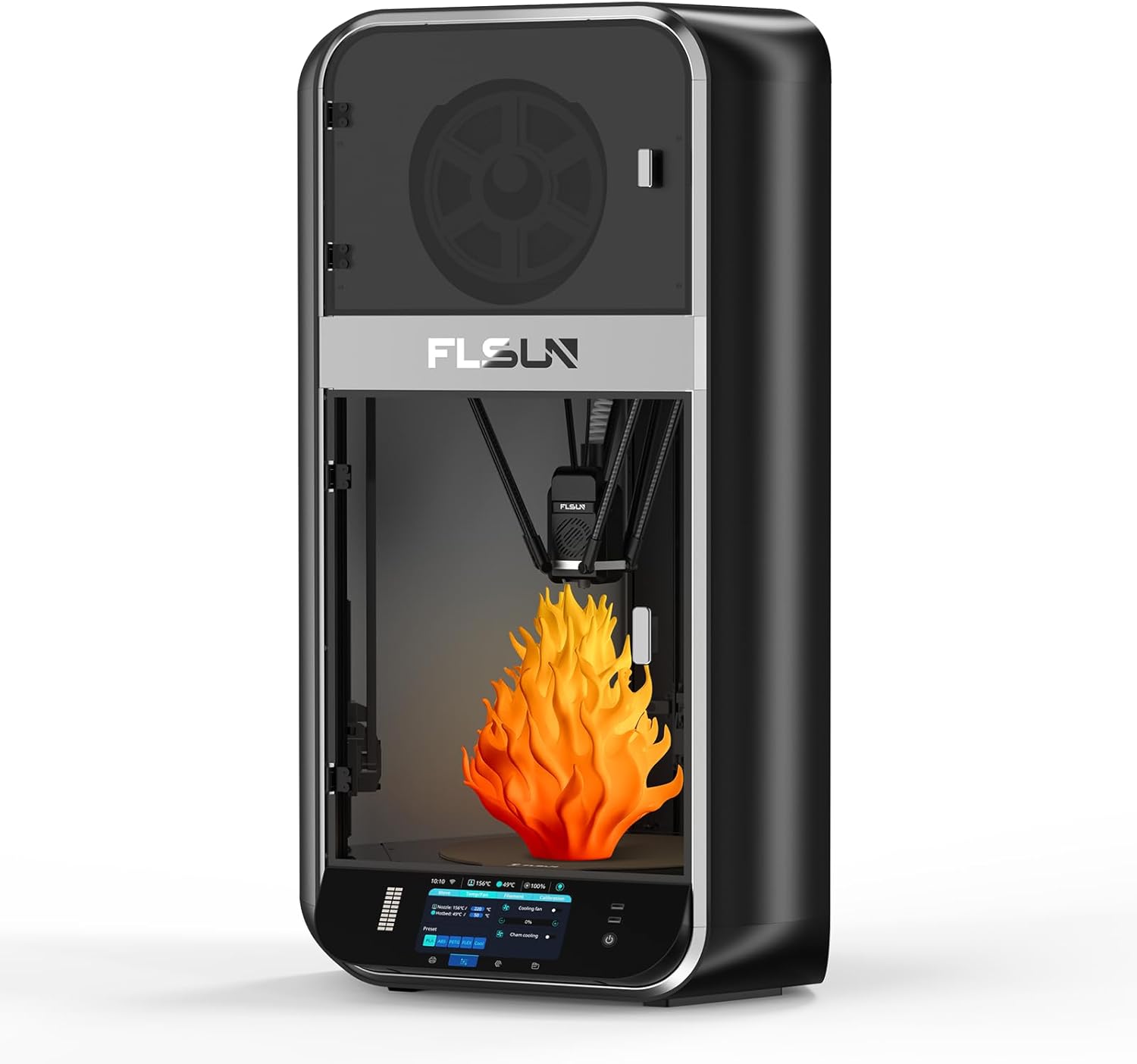
Figure 1.1: FLSUN S1 3D Printer Overview
2. Installation och första användning
The FLSUN S1 is designed for quick and easy setup, allowing you to begin printing within minutes of unboxing. The machine comes fully assembled, requiring minimal user intervention.
2.1 Uppackning och placering
Carefully remove the printer from its packaging. Ensure it is placed on a stable, level surface with adequate space around it for operation and ventilation. Verify all components are present as listed in the packing guide.
2.2 Automatisk nivellering
The FLSUN S1 features an advanced FLSUN 2.0 algorithm for fully automatic one-button leveling. This simplifies the bed calibration process significantly.
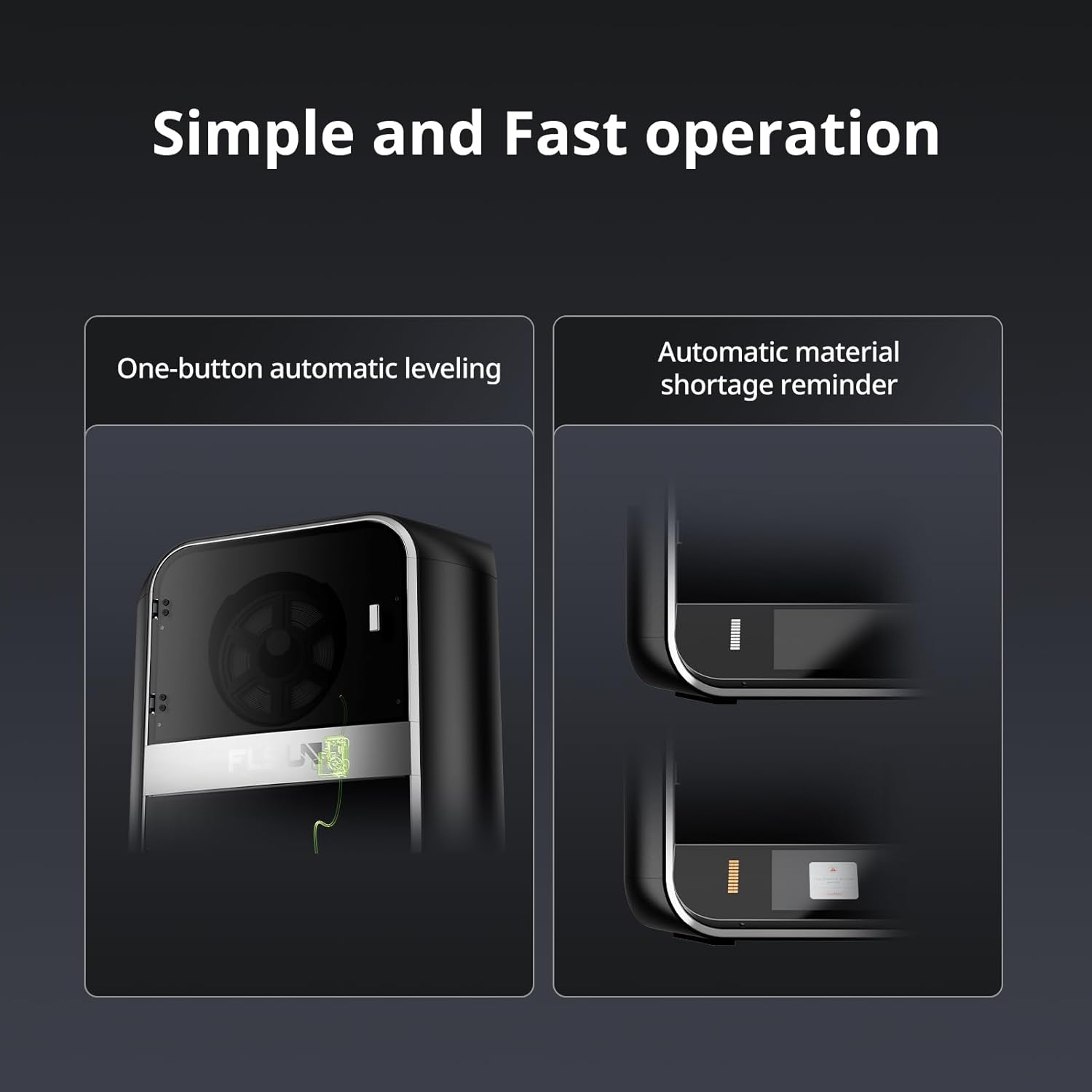
Figure 2.1: One-button automatic leveling and material shortage påminnelse.
- Slå på skrivaren.
- Navigate to the leveling option on the touchscreen interface.
- Initiate the automatic leveling process. The printer will perform a series of measurements to calibrate the print bed.
- Follow any on-screen prompts to finalize the leveling, including Z-height adjustment if necessary.
För detaljerade installationsanvisningar, se den officiella Installationsmanual (PDF).
3. Operating Your FLSUN S1
The FLSUN S1 is engineered for high-performance printing, offering impressive speed and precision.
3.1 High-Speed Printing Capabilities
Experience rapid prototyping and production with the FLSUN S1's impressive speed and acceleration.
- Maximal utskriftshastighet: Upp till 1200 mm/s
- Maximal acceleration: Up to 40000mm/s²
- Maximal flödeshastighet: 110mm³/s

Figure 3.1: High-speed printing metrics of the FLSUN S1.
Video 3.1: Official FLSUN video demonstrating ultra high-speed printing capabilities of the S1 printer.
Video 3.2: Official FLSUN video showcasing the Delta high-speed printing in action.
3.2 Advanced Extruder and Cooling System
The FLSUN S1 features a dual-gear direct-drive extruder with a titanium alloy core wheel, enabling printing at temperatures up to 350°C. The newly printed model is rapidly cooled by a CPAP turbo fan, achieving a single-layer cooling time of 1 second at 40000 rpm/min, which helps prevent warping and drawing.

Figure 3.2: Temperature capabilities for multi-consumable printing.
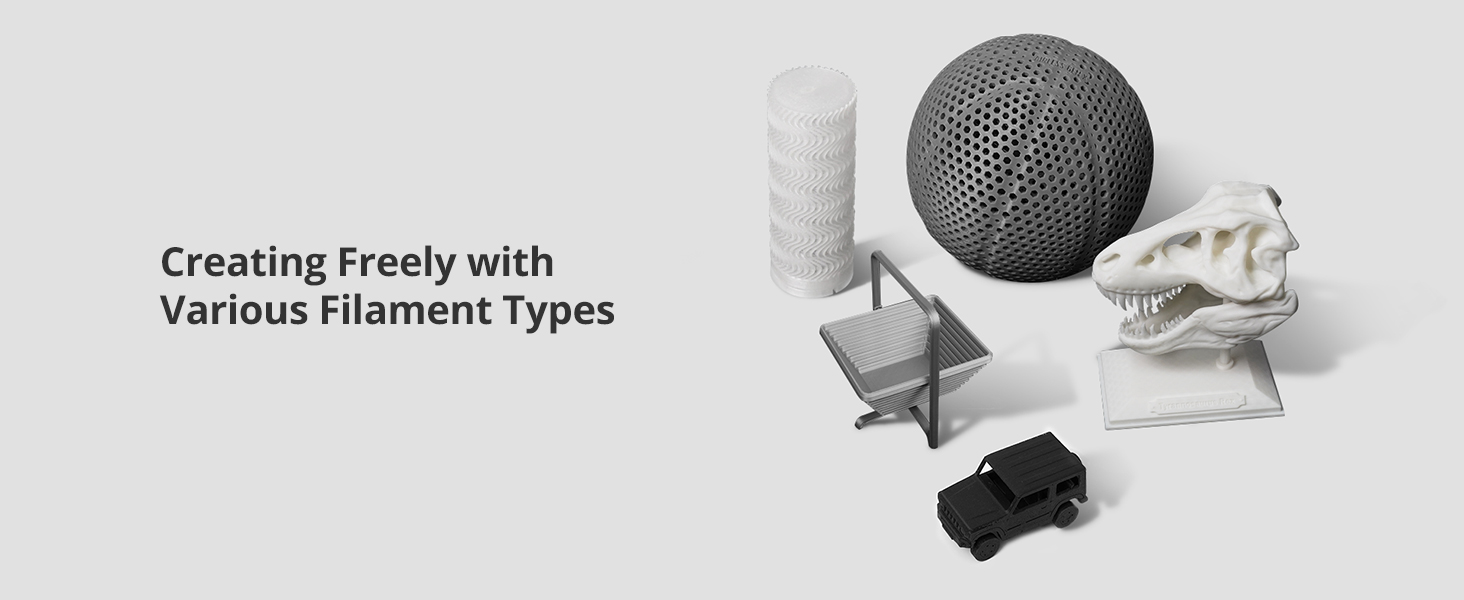
Figure 3.3: CPAP High-Pressure Turbo Fan for efficient cooling.
3.3 Intelligent Monitoring and Control
The FLSUN S1 integrates advanced monitoring and control features for enhanced print quality and user convenience.
- AI-kamera: Monitors for issues like spaghetti failures and foreign objects, providing real-time alerts and supporting time-lapse photography.
- Microtac Radar Control: Ensures precise control and monitoring.
- WIFI-anslutning: Allows for real-time monitoring and intelligent adjustment via mobile phone or PC.
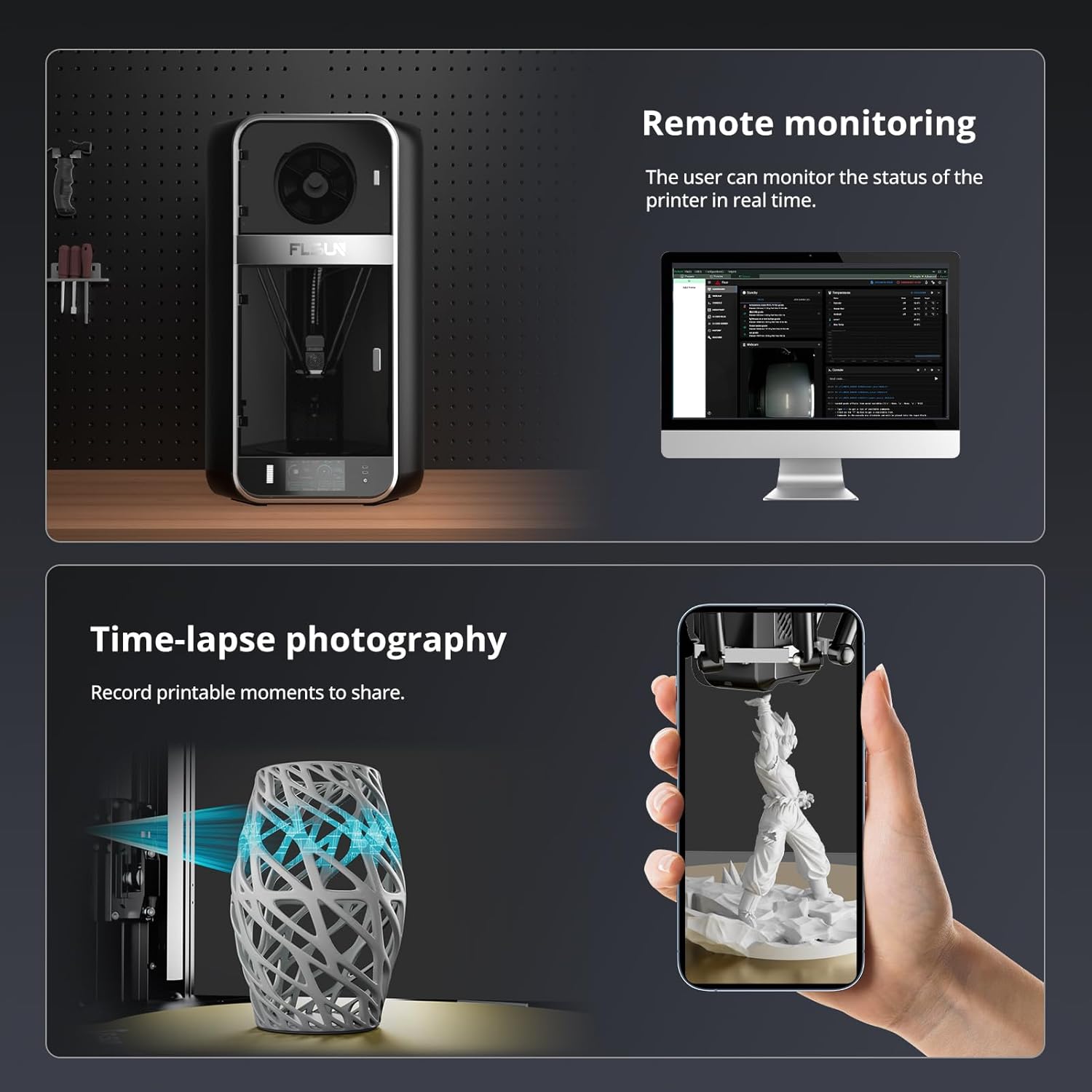
Figure 3.4: Remote monitoring and time-lapse photography features.

Figure 3.5: Comprehensive monitoring and upgrade methods.
3.4 Large Build Volume and Material Compatibility
The FLSUN S1 offers a generous build volume and supports a wide array of filament types.
- Byggvolym: 13" x 13" x 17" (approximately 320mm x 320mm x 430mm), allowing for multiple models or large single prints.
- Material som stöds: PLA, PETG, TPU, ABS, ASA, PA, PC, PET, and more.

Figure 3.6: Fully enclosed delta structure with large build volume.

Figur 3.7: Examples of models printed with various filament types.
4. Underhåll
Regular maintenance ensures the longevity and optimal performance of your FLSUN S1 3D Printer.
4.1 Rengöring av skrivarbädden
To maintain good filament adhesion, regularly clean the print bed with isopropyl alcohol to remove any fingerprints, dust, or debris. This should be done after several prints or if adhesion issues arise.
4.2 Lubrication of Moving Parts
Periodically re-lubricate the smooth rods and other moving mechanical components with a suitable dry lubricant (e.g., PTFE spray) to ensure smooth operation and reduce noise.
4.3 Nozzle and Hotend Care
The nozzle is a consumable part and will degrade over time. Replace the nozzle or the entire hotend assembly when print quality deteriorates. Consider upgrading to a full E3D V6 hot-end assembly for enhanced performance and durability. It is also recommended to upgrade the Bowden PTFE tube to a Capricorn tube for better heat resistance, especially when printing at higher temperatures, to prevent carbonization and fume exposure.
5. Felsökning av vanliga problem
This section addresses some common issues users might encounter and provides potential solutions.
5.1 Print Quality Issues (e.g., "Salmon Skin")
If you observe wavy outer walls or a "salmon skin" effect on your prints, this can be caused by stepper motor drivers. Installing 8-diodes TL-smoothers can mitigate this issue by preventing power feedback to the drivers.
5.2 Extruder Calibration (E-steps)
For optimal extrusion accuracy, it may be necessary to calibrate your extruder's e-steps per millimeter. This involves marking a length of filament, extruding a specific amount, and adjusting the e-steps value in the printer's firmware or settings based on the actual extruded length.
5.3 Printer Forgetting Settings
If the printer loses settings (e.g., auto-leveling, Z-height) after a power cycle, ensure that settings are properly saved to the printer's memory after adjustment. Consult the official manual or community resources for specific saving procedures.
5.4 Söka ytterligare stöd
For issues requiring technical assistance or warranty service, it is recommended to contact the seller directly through the platform where the purchase was made. They can provide guidance or connect you with FLSUN support. Additionally, active online communities, such as the FLSUN Facebook group, can be valuable resources for firmware, test files, and user-generated FAQs.
6. Produktspecifikationer
| Attribut | Detalj |
|---|---|
| Produktens mått | 21.7 x 40.6 x 23.5 tum (55.1 x 103.1 x 59.7 cm) |
| Objektets vikt | 40 pund (18.14 kg) |
| Material | Metall |
| Färg | Svart |
| Tillverkare | FLSUN |
| Ursprungsland | Kina |
| Datum först tillgängligt | 14 mars 2025 |
7. Garanti och support
FLSUN is committed to providing excellent customer service and support for your S1 3D Printer.
7.1 Skyddsplaner
Extended protection plans are available for purchase to cover your FLSUN S1 3D Printer beyond the standard warranty. Options include:
- 3-årig skyddsplan
- 4-årig skyddsplan
Please refer to the product listing or contact your retailer for details on pricing and coverage.
7.2 Kundsupport
For any inquiries, technical assistance, or support needs, please utilize the customer support channels provided by your retailer. You can also visit the official FLSUN Store för ytterligare resurser och kontaktinformation.
Ask a question about this manual
Ask about setup, troubleshooting, compatibility, parts, safety, or missing instructions. Manuals+ will review the question and use this page’s manual context to help answer it.