
1. Introduktion
This manual provides essential information for setting up, operating, maintaining, and troubleshooting your Thunderobot Storm 15 4050 Gaming Laptop. Please read it thoroughly to ensure optimal performance and longevity of your device.
Nyckelfunktioner:
- Processor: Intel Core i7-13620H (10 kärnor, upp till 4.9 GHz)
- Grafik: NVIDIA GeForce RTX 4050 bärbar grafikprocessor
- Minne: 32 GB DDR4-RAM (3200 MHz)
- Lagring: 1TB PCIe M.2 SSD
- Visa: 15.6-inch Full HD (1920x1080) 165Hz, 100% sRGB, DC Dimming
- Operativsystem: Windows 11 Home
- Kyl: Advanced Frost Cooling System with multi-heat-pipe design and high-pressure turbine fan
- Tangentbord: Full-size backlit keyboard with numeric keypad
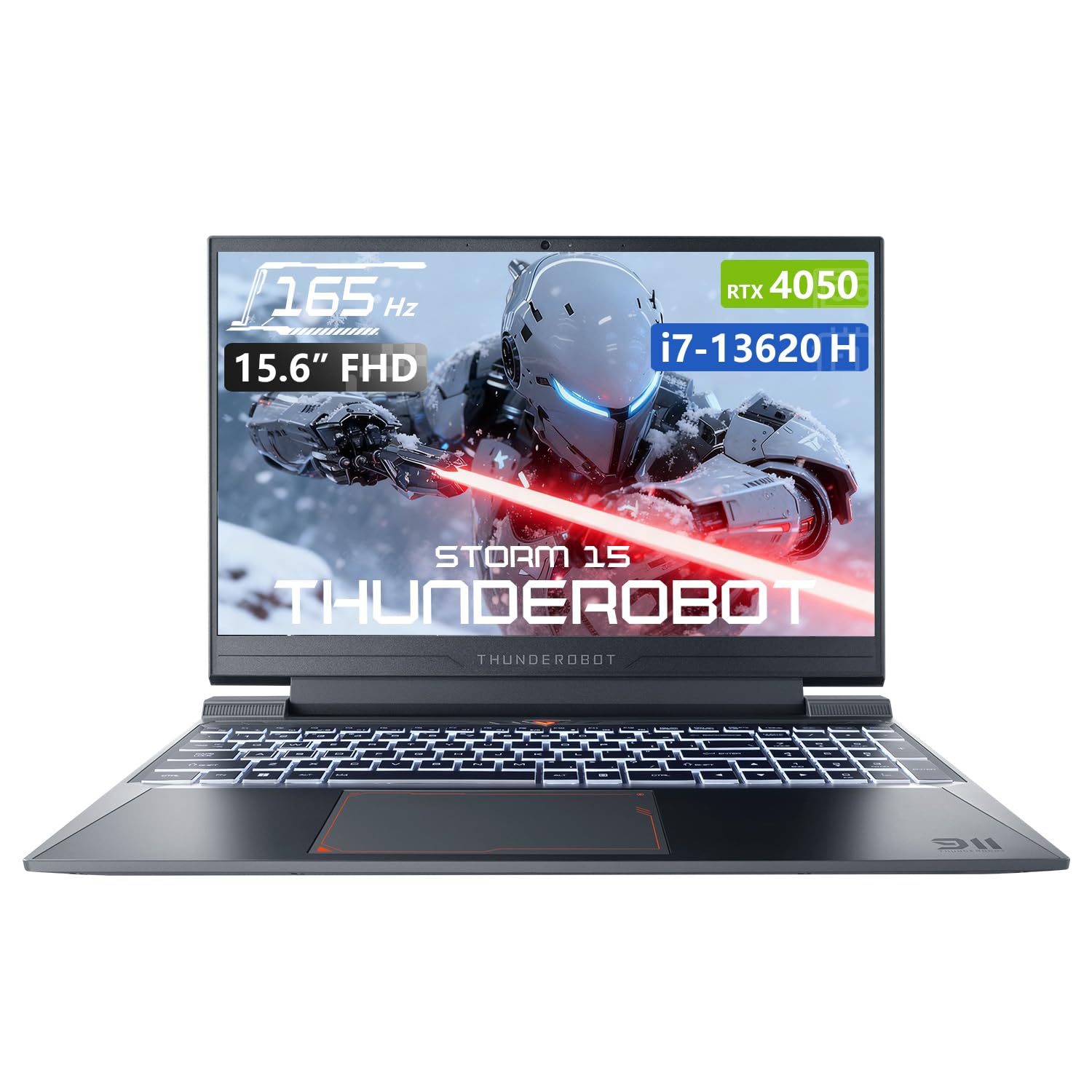
Image: The Thunderobot Storm 15 4050 Gaming Laptop, showcasing its sleek design and backlit keyboard.
2. Inställning
2.1 Första start
- Packa upp: Ta försiktigt ut den bärbara datorn och alla tillbehör ur förpackningen.
- Anslut ström: Anslut nätadaptern till den bärbara datorns strömport och sedan till ett vägguttag.
- Ström på: Öppna den bärbara datorns lock och tryck på strömbrytaren, som vanligtvis sitter ovanför tangentbordet eller på sidan.
- Första installationen: Följ instruktionerna på skärmen för att slutföra installationen av Windows 11 Home, inklusive språk, region, nätverksanslutning och skapande av användarkonto.
2.2 Ansluta kringutrustning
Din bärbara dator är utrustad med olika portar för anslutning av externa enheter.

Image: Diagram illustrating the various ports and slots available on the Thunderobot Storm 15 laptop.
- USB-enheter: Connect USB mice, keyboards, external drives, or other peripherals to the USB 3.1 Type-A ports or the USB 3.1 Gen 2 Type-C port.
- Extern skärm: Använd HDMI-porten för att ansluta en extern bildskärm eller TV.
- Nätverk: For a stable wired internet connection, plug an Ethernet cable into the RJ-45 port.
- Audio: Connect headphones or external speakers to the 3.5mm Combo Jack.
3. Använda din bärbara dator
3.1 Displayfunktioner
The 15.6-inch Full HD display offers a 165Hz refresh rate for smooth visuals and 100% sRGB color gamut for accurate color reproduction. DC dimming technology helps reduce screen flickering.
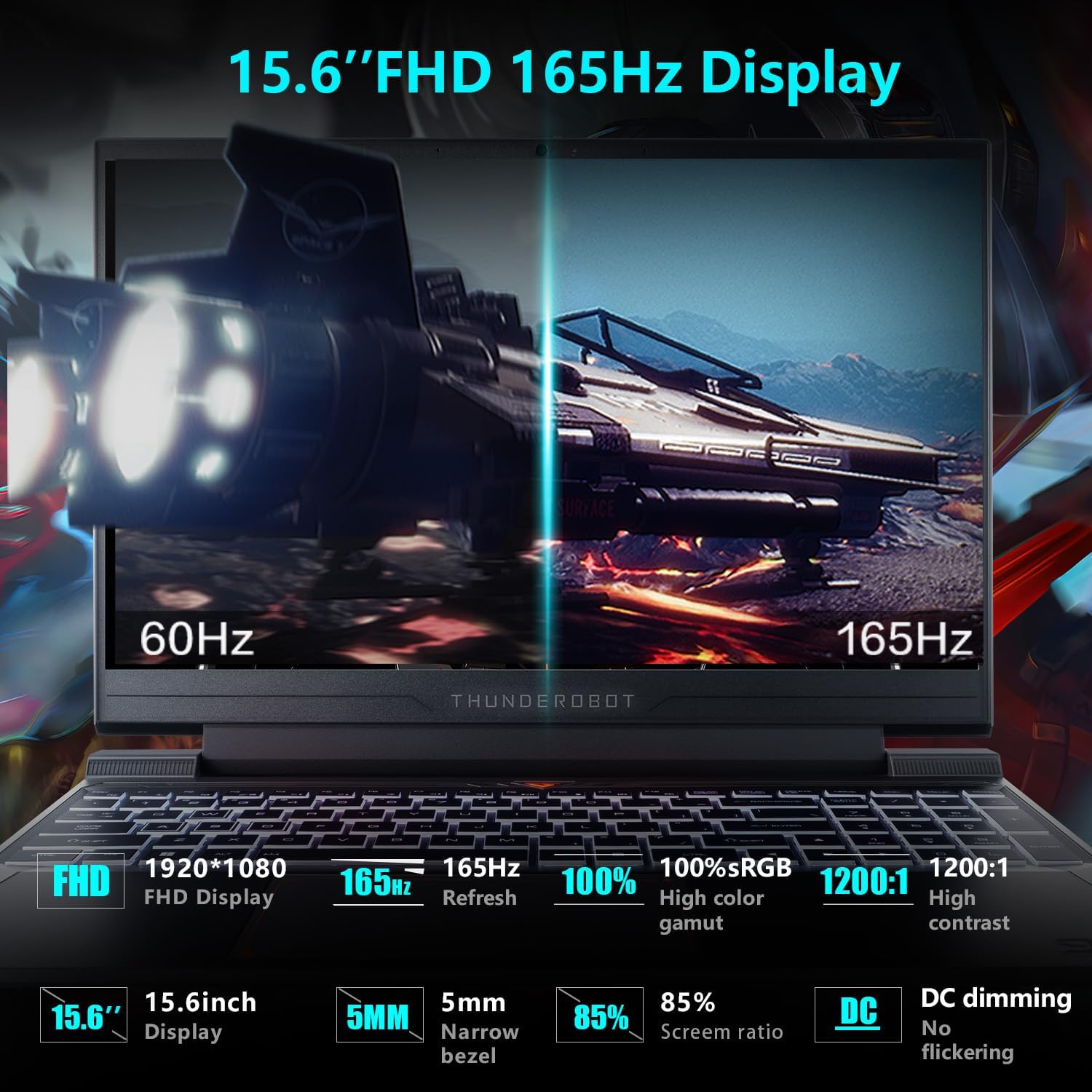
Image: Close-up of the 15.6-inch Full HD 165Hz display, highlighting its smooth motion capabilities.
3.2 Tangentbord och pekplatta
The full-size backlit keyboard includes a numeric keypad for enhanced productivity and gaming. The anti-fingerprint surface helps maintain a clean appearance.
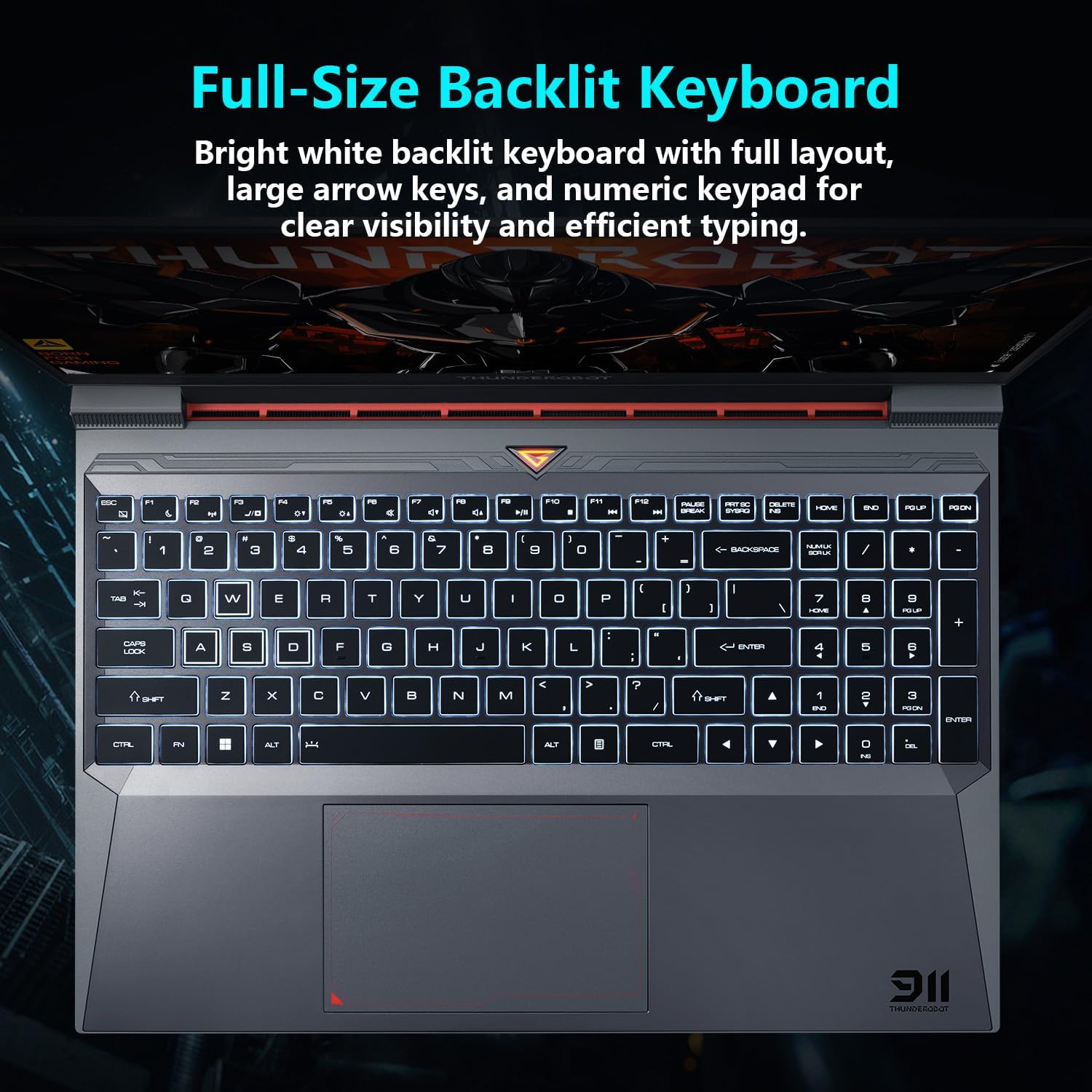
Bild: View of the full-size backlit keyboard with its bright white backlighting and numeric keypad.
3.3 Ljudsystem
Experience immersive sound with the laptop's professional sound certification and high-specification speaker design.
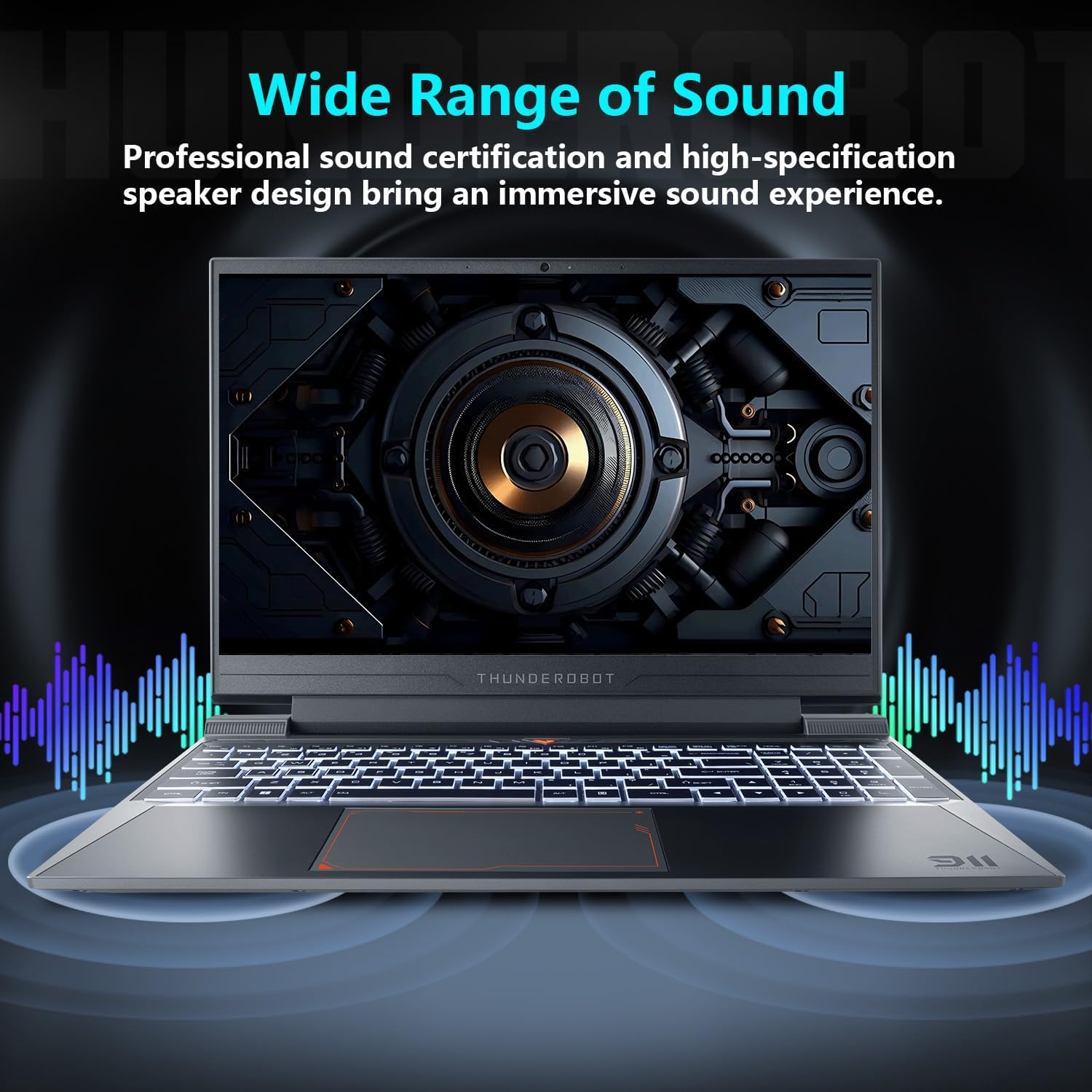
Image: Laptop displaying sound waves, illustrating its wide range of sound capabilities.
3.4 Kylsystem
The Advanced Frost Cooling System features multi-heat-pipe design (10mm/8mm composite pipes), a high-pressure turbine fan with 80 ultra-thin LCP blades, and 126 dense copper fins (28,000mm²) to ensure efficient heat dissipation. This design keeps critical components cool during intensive use.
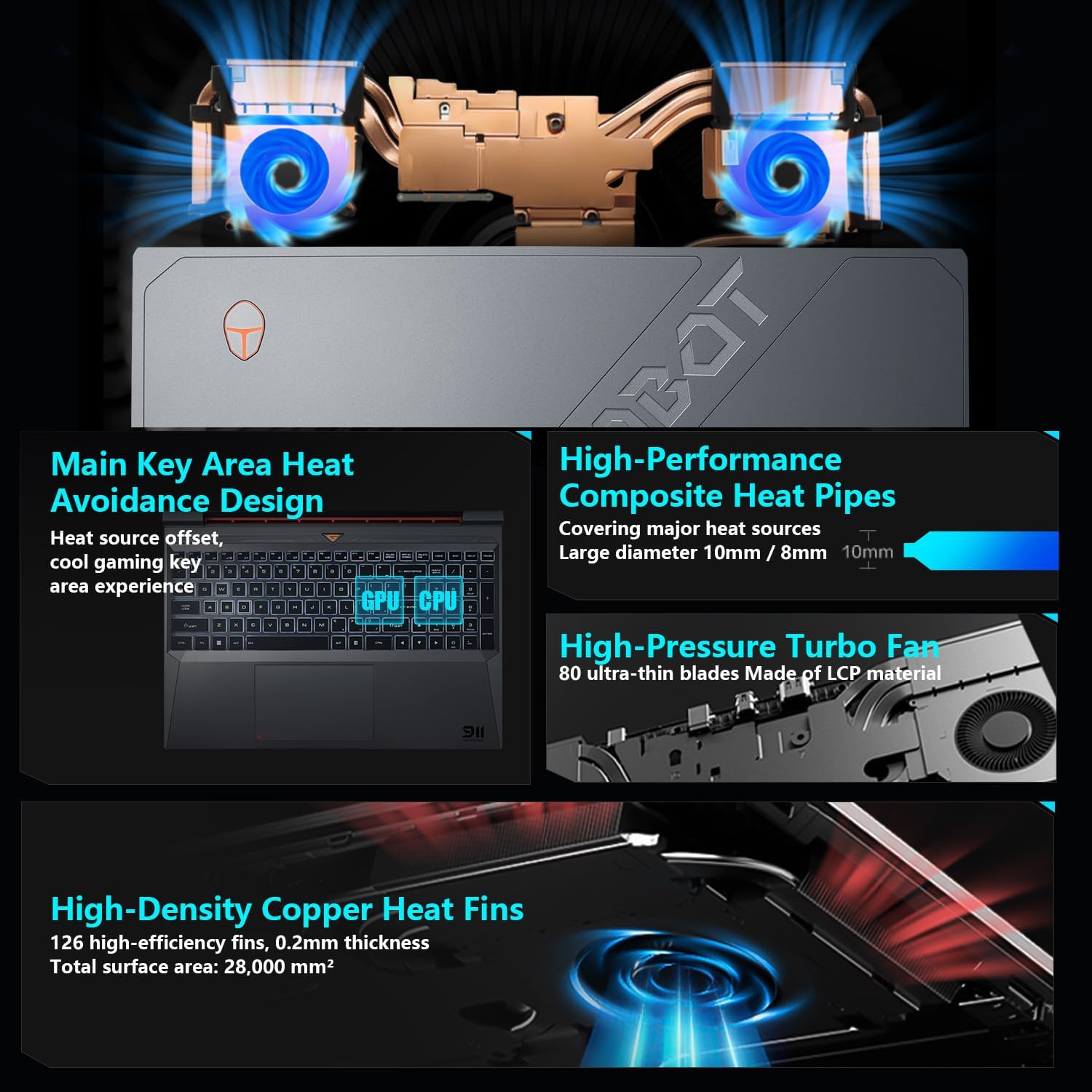
Image: Diagram showing the internal cooling system with heat pipes, fans, and copper fins.
3.5 Control Center Software
The Control Center software allows you to adjust and switch between various performance modes (e.g., Berserk mode, Game mode, Audio and Video Office mode) and customize fan speed and lighting settings. Access it by typing "Control Center" in the Windows search bar or using designated function keys.

Image: Screenshots of the Control Center software interface, showing options for performance modes, fan adjustment, and lighting controls.
4. Underhåll
4.1 Rengöring
- Skärm: Använd en mjuk, luddfri trasa damprengörs med vatten eller ett skärmrengöringsmedel. Undvik starka kemikalier.
- Tangentbord och chassi: Använd en mjuk trasa för att torka av ytorna. Tryckluft kan användas för att rensa damm mellan tangenter och ventiler.
- ventiler: Regularly check and clean the cooling vents to prevent dust buildup, which can hinder airflow and performance.
4.2 Programuppdateringar
Keep your operating system and drivers updated to ensure optimal performance and security. Windows Update will handle OS updates, and you can check the Thunderobot support website for the latest driver versions for your specific model.
5. Felsökning
5.1 Vanliga frågor
- Laptopen startar inte: Se till att nätadaptern är ordentligt ansluten till både den bärbara datorn och ett fungerande eluttag. Kontrollera om strömbrytaren fungerar korrekt.
- Överhettning: Ensure cooling vents are not blocked. Use the Control Center to adjust fan speeds. Consider using the laptop on a hard, flat surface to improve airflow.
- Problem med skärmen: If the screen is blank, try connecting an external monitor to check if the issue is with the laptop's display or the graphics output. Update graphics drivers.
- Långsam prestanda: Check for background applications consuming resources. Ensure sufficient free storage space. Run a malware scan.
- Peripheral not detected: Ensure the peripheral is correctly plugged into the appropriate port. Try a different port or restart the laptop. Update relevant drivers.
5.2 Kontakta supporten
If you encounter issues that cannot be resolved using this guide, please refer to the Thunderobot official support channels for assistance.
6. Specifikationer
| Särdrag | Detalj |
|---|---|
| Stående skärmstorlek | 15.6 tum |
| Skärmupplösning | 1920 x 1080 pixlar |
| Max skärmupplösning | 1920x1080 pixlar |
| Processor | Intel Core i7-13620H (4.9 GHz max turbo) |
| RAM | 32 GB DDR4 (3200 MHz) |
| Hårddisk | 1 TB SSD (PCIE x 4) |
| Grafiksamprocessor | NVIDIA GeForce RTX 4050 bärbar grafikprocessor |
| Trådlös typ | 802.11ax, Bluetooth |
| Antal USB 3.0-portar | 3 |
| Operativsystem | Windows 11 Home |
| Objektets vikt | 12 pund |
| Produktens mått | 14.12 x 10.14 x 0.94 tum |
| Färg | Svart |
| Specialfunktion | Bakgrundsbelyst tangentbord, numeriskt tangentbord |

Image: Performance benchmarks comparing the RTX 4050 and Intel Core i7-13620H against previous generations.
7. Garanti och support
Every Thunderobot laptop includes a 12 månaders garanti, erbjuder expertsupport, grundlig diagnostik och originaldelar om en reparation behövs. Dessutom en 90 dagars garanti is provided on all warranty replacement parts, ensuring hassle-free repairs. Your complete satisfaction is our commitment.
For further support, please visit the official Thunderobot webwebbplats eller kontakta deras kundtjänst.
Video: En övergångview of the Thunderobot Storm 15 Laptop, showcasindess funktioner och design.