
Introduktion
This manual provides detailed instructions for the setup, operation, and maintenance of your Oilsky M305 MP3 Player. Please read this manual thoroughly before using the device to ensure optimal performance and longevity.

Bild: Överview of the Oilsky M305 MP3 Player's key features.
1. Installationsguide
1.1 Uppackning och paketinnehåll
Carefully unpack your Oilsky M305 MP3 Player and verify all components are present.

Image: Contents of the Oilsky M305 MP3 Player box.
Paketet bör innehålla:
- 1x Oilsky M305 Music Player
- 1x 128GB TF Card (pre-installed or separate)
- 1x USB Cable (for charging and data transfer)
- 1x trådbundna hörlurar
- 1x Skyddsfilm
- 1x skyddsfodral
- 1x användarmanual
1.2 Ladda enheten
Before first use, fully charge the device. Connect the provided USB cable to the player's charging port and to a USB power adapter (not included) or a computer's USB port. The charging indicator will show the charging status.
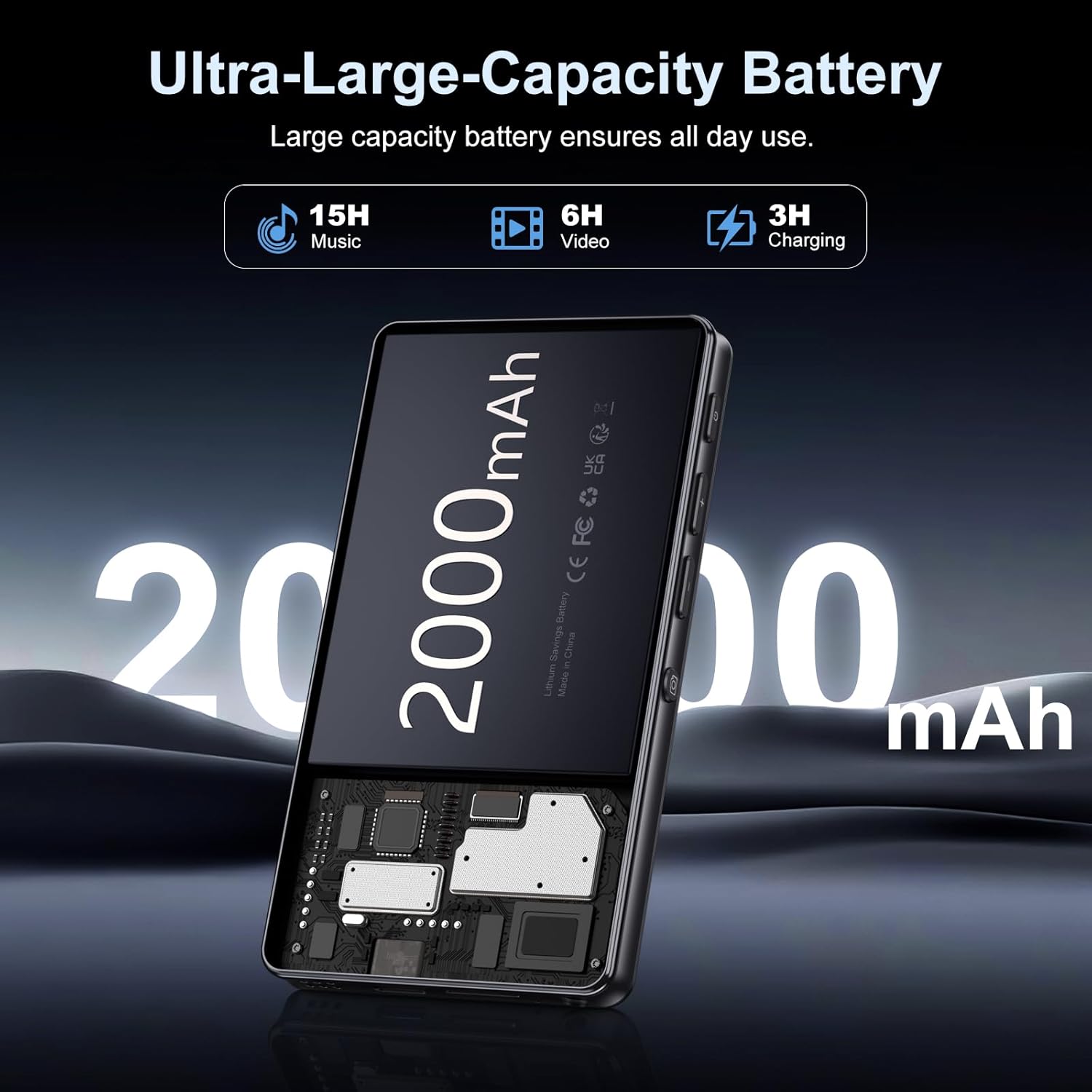
Image: Illustration of the 2000mAh battery and its charging/usage capabilities.
The 2000mAh battery provides approximately 15 hours of music playback and 6 hours of video playback on a full charge, which takes about 3 hours.
1.3 Ström på/av
- För att slå på: Tryck och håll ned strömknappen på sidan av enheten tills skärmen tänds.
- För att stänga av: Håll strömknappen intryckt och välj sedan "Stäng av" bland alternativen som visas på skärmen.
1.4 Initial installation
Följ anvisningarna på skärmen vid första påslagningen för att:
- Välj önskat språk.
- Connect to a Wi-Fi network for internet access and app downloads.
- Ställ in datum och tid.
2. Bruksanvisning
2.1 Basic Navigation (Touchscreen)
The Oilsky M305 features a 4.02-inch HD touchscreen for intuitive control. Use gestures similar to a smartphone:
- Knacka: För att välja ett objekt eller öppna en app.
- Hårt slag: För att bläddra igenom listor eller växla mellan skärmar.
- Nyp-för-att-zooma: In supported applications like image galleries.

Image: The 4.02-inch HD touchscreen in use, displaying video content.
2.2 Musikuppspelning
The device supports various music formats including MP3, WAV, APE, FLAC, and AAC. You can play music through the built-in speaker or connected headphones/Bluetooth devices.

Image: Music playback interface showing supported audio formats.
- Accessing Music: Open the pre-installed music player app or any downloaded streaming service (e.g., Spotify, Audible).
- Skapa spellistor: Use the music player app to organize your songs into custom playlists.
- Equalizer: Adjust audio settings via the built-in equalizer for a personalized listening experience.

Image: Features for music management, including playlist creation and equalizer settings.
2.3 Videouppspelning
The device supports various video formats including AVI, MKV, MP4, MPG, and MOV. Videos can be viewed on the 4.02-inch HD screen.

Image: Supported video and music formats for the device.
2.4 Kameraanvändning
The M305 is equipped with a 13MP rear camera and a 5MP front camera for capturing photos and videos.
- Ta bilder: Öppna Kamera-appen, komponera din bild och tryck på avtryckaren.
- Spela in videor: Switch to video mode in the Camera app and tap the record button to start/stop.

Image: Illustration of the 5MP front and 13MP rear cameras.
2.5 Anslutning (Bluetooth och Wi-Fi)
The device features dual-band Wi-Fi for fast internet access and Bluetooth 5.0 for stable wireless connections.
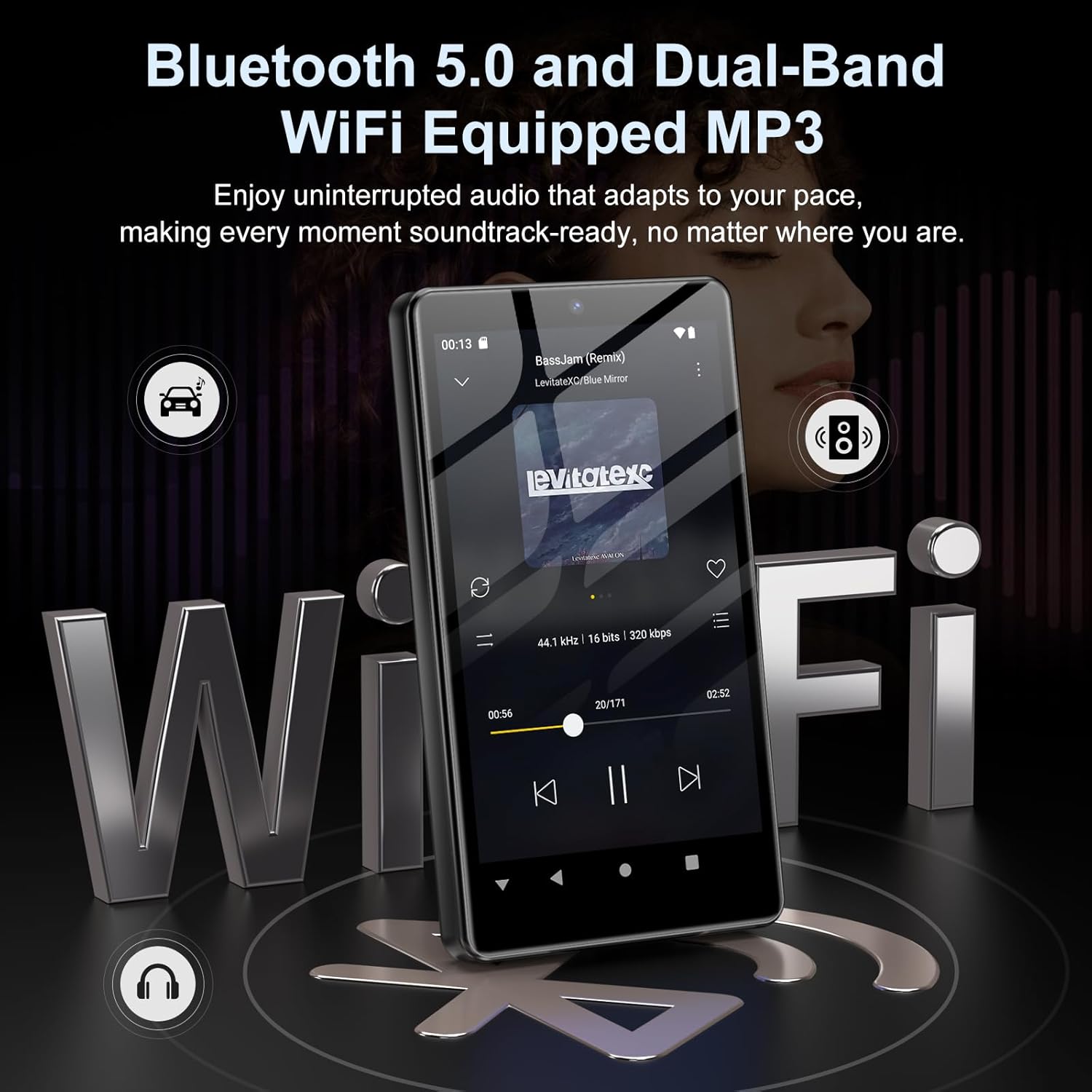
Image: Visual representation of Bluetooth and Wi-Fi connectivity.
- Wi-Fi: Gå till Inställningar > Nätverk och internet > Wi-Fi för att ansluta till tillgängliga nätverk.
- Bluetooth: Go to Settings > Connected devices > Bluetooth to pair with headphones, speakers, or other Bluetooth-enabled devices.
2.6 Lagringshantering
The M305 comes with 32GB of internal ROM and includes a 128GB TF card, supporting external storage expansion up to 1TB.

Image: Storage capacity details including internal ROM and TF card expansion.
- Viewing Storage: Navigate to Settings > Storage to see internal and external storage usage.
- Överför Files: Connect the device to a computer using the USB cable to transfer music, videos, and photos.
2.7 Appinstallation (Google Play Store)
Running on Android 13.0, the device allows you to install and uninstall applications from the Google Play Store.
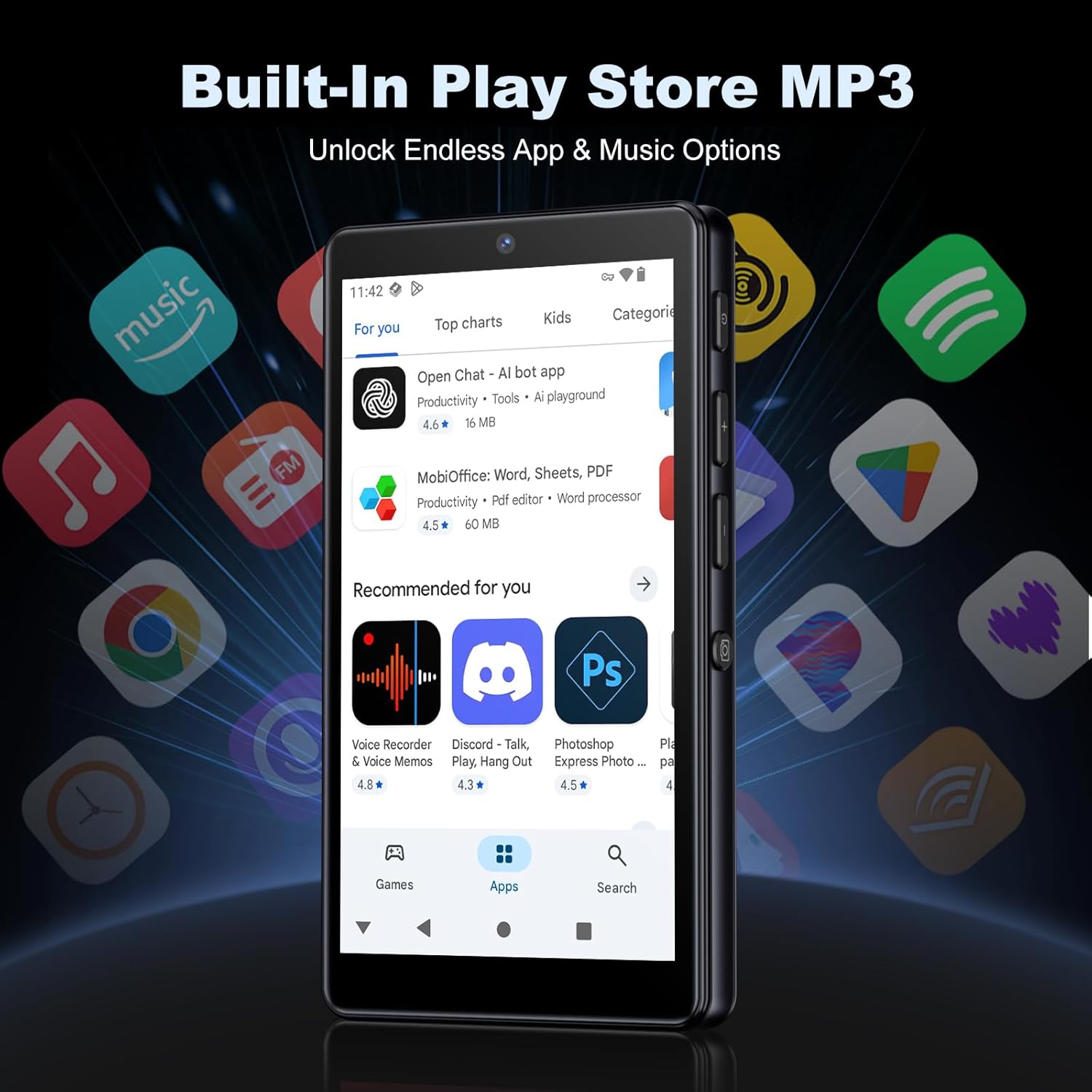
Image: The Google Play Store interface on the device.
- Installera appar: Open the Play Store app, search for your desired application, and tap 'Install'.
- Avinstallera appar: Go to Settings > Apps, select the app, and tap 'Uninstall'.
3. Underhåll
3.1 Rengöring
To clean the device, use a soft, dry, lint-free cloth. Avoid using abrasive cleaners, solvents, or aerosol sprays, which may damage the screen or finish.
3.2 Batterivård
- Undvik att utsätta enheten för extrema temperaturer.
- Låt inte batteriet laddas ur helt för ofta.
- Använd endast den medföljande USB-kabeln för laddning.
3.3 Programuppdateringar
Kontrollera regelbundet om det finns programuppdateringar för att säkerställa att din enhet har de senaste funktionerna och säkerhetsuppdateringarna. Gå till Inställningar > System > Systemuppdatering.
4. Felsökning
4.1 Enheten slås inte på
- Se till att batteriet är laddat. Anslut enheten till en laddare i minst 30 minuter.
- Testa en forcerad omstart genom att hålla strömknappen intryckt i 10–15 sekunder.
4.2 Anslutningsproblem (Wi-Fi/Bluetooth)
- Wi-Fi: Check if the Wi-Fi network is active and you have entered the correct password. Try restarting your router.
- Bluetooth: Ensure the device you are trying to connect to is in pairing mode and within range. Try turning Bluetooth off and on again on both devices.
4.3 Appar kraschar eller fryser
- Stäng och öppna appen igen.
- Clear the app's cache: Settings > Apps > [App Name] > Storage & cache > Clear cache.
- If the issue persists, try uninstalling and reinstalling the app.
4.4 Dålig ljudkvalitet
- Check your earphones or Bluetooth speaker connection.
- Säkerställ ljudet file är inte skadad.
- Adjust the equalizer settings in your music player.
5. Specifikationer
| Särdrag | Detalj |
|---|---|
| Stämpla | Oilsky |
| Modellnummer | M305 |
| Operativsystem | Android 13.0 |
| Processor | MTK 8-kärnig |
| RAM | 4 GB |
| Intern lagring (ROM) | 32 GB |
| Extern förvaring | 128GB TF Card included, expandable up to 1TB |
| Skärmstorlek | 4.02 tums HD-pekskärm |
| Bakre kamera | 13 MP |
| Främre kamera | 5 MP |
| Bluetooth | Bluetooth 5.0 |
| Wi-Fi | Dubbelbands-Wi-Fi |
| Batterikapacitet | 2000mAh litiumpolymer |
| Musikuppspelningstid | Upp till 15 timmar |
| Videouppspelningstid | Upp till 6 timmar |
| Laddningstid | Ca. 3 timmar |
| Ljudformat som stöds | MP3, WAV, APE, FLAC, AAC, etc. |
| Videoformat som stöds | AVI, MKV, MP4, MPG, MOV, etc. |
| Bildformat som stöds | JPEG, BMP, GIF, PNG, etc. |
6. Garantiinformation
The Oilsky M305 MP3 Player comes with a manufacturer's warranty. Please refer to the warranty card included in your package or contact Oilsky customer support for specific terms and conditions. Keep your proof of purchase for warranty claims.
7. Kundsupport
If you encounter any issues not covered in this manual or require further assistance, please contact Oilsky customer support. Contact details can typically be found on the official Oilsky webwebbplatsen eller på garantikortet.