Introduktion
The Logitech Zone 305 is a wireless Bluetooth headset designed for business professionals. It offers clear audio and reliable connectivity for calls and video meetings, certified for platforms like Google Meet, Google Voice, and Zoom. This manual provides essential information for setting up, operating, and maintaining your headset.

Image: The Logitech Zone 305 wireless headset shown alongside its retail packaging.
Vad finns i lådan
Kontrollera att alla komponenter finns i paketet:
- Logitech Zone 305 trådlöst headset
- USB-C-mottagare
- USB-C till USB-A-adapter
- USB-C laddningskabel
- Resväska
- Användarmanual (detta dokument)
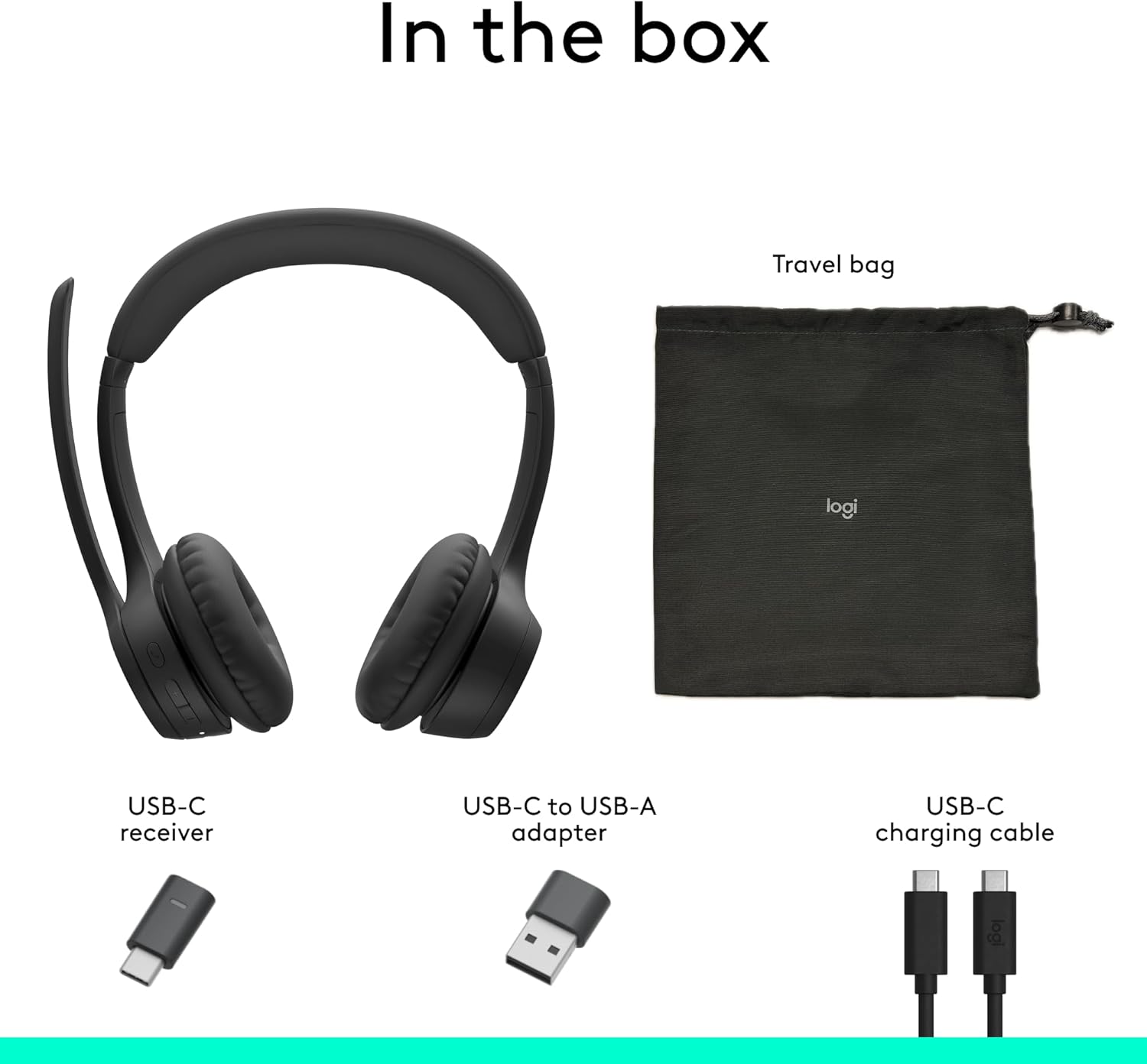
Image: A visual representation of all items included in the Logitech Zone 305 product box, including the headset, cables, and travel bag.
Inställning
Laddar headsetet
Before first use, fully charge your Zone 305 headset. Connect the USB-C charging cable to the headset's USB-C port and the other end to a power source (e.g., computer USB port, wall adapter). The LED indicator on the headset will show charging status.

Image: A detailed diagram highlighting various features of the Logitech Zone 305 headset, including the USB-C charging port.
Ansluta via USB-mottagare
- Insert the USB-C receiver into an available USB-C port on your computer. If your computer only has USB-A ports, use the provided USB-C to USB-A adapter.
- Power on your Zone 305 headset.
- The headset should automatically connect to the receiver. A solid LED indicator on the headset confirms a successful connection.
Ansluter via Bluetooth
- Power on your Zone 305 headset.
- Press and hold the Bluetooth pairing button on the headset until the LED indicator flashes rapidly, indicating pairing mode.
- On your device (computer, smartphone, tablet), navigate to Bluetooth settings and select "Logitech Zone 305" from the list of available devices.
- När headsetet är anslutet lyser LED-indikatorn med fast sken.
The headset can maintain a reliable connection to two devices simultaneously with a wireless range of up to 30 meters.
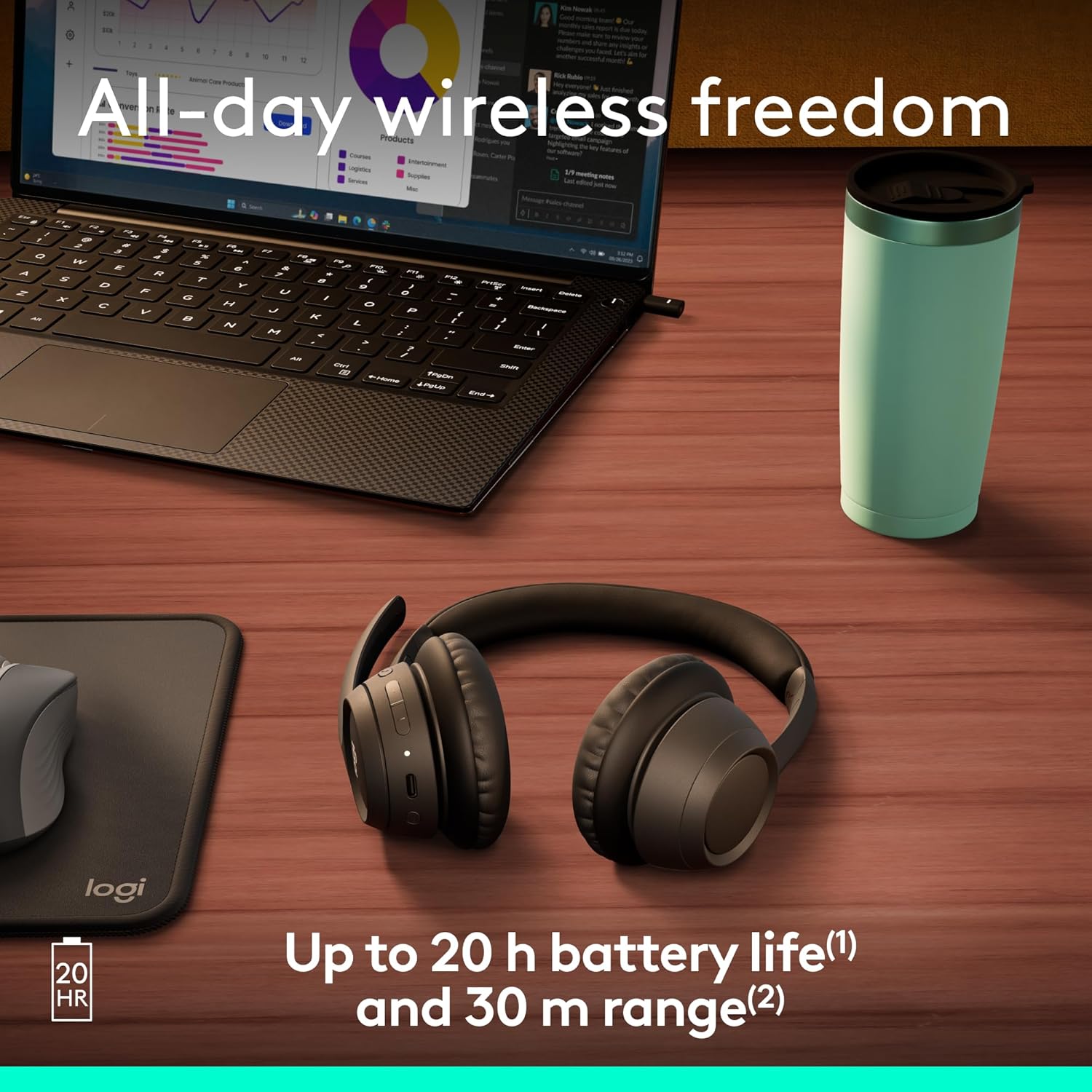
Image: The Logitech Zone 305 headset positioned on a wooden desk, illustrating its wireless capability next to a laptop.
Bruksanvisning
Grundläggande kontroller
- Ström på/av: Tryck och håll ned strömknappen.
- Volymkontroll: Use the volume up (+) and volume down (-) buttons located on the earcup.
- Spela/pausa: Tryck på multifunktionsknappen en gång.
- Svara/avsluta samtal: Tryck på multifunktionsknappen en gång under ett inkommande samtal eller ett aktivt samtal.
- Avvisa samtal: Tryck och håll ner multifunktionsknappen under ett inkommande samtal.
Mikrofonanvändning
The Zone 305 features a flip-to-mute boom microphone with dual noise-canceling mics for clear voice capture.
- Ljud av/på: Flip the microphone boom arm up to mute, and flip it down to unmute.
- Positionering: For optimal voice clarity, position the microphone approximately two fingers' width from your mouth.

Bild: En närbild view of the microphone boom on the Logitech Zone 305 headset, highlighting the dual noise-canceling microphone elements.
Compatibility and Certifications
The Zone 305 is certified for use with Google Meet, Google Voice, and Zoom, ensuring seamless integration and optimal performance with these communication platforms. It is also compatible with Windows, Mac, Chrome, Linux, iOS, iPadOS, and Android operating systems.

Image: A person wearing the Logitech Zone 305 headset, with logos indicating certification for Zoom, Google Meet, Google Voice, and Works With Chromebook.
Underhåll
Rengöring
- Torka av headsetet med en mjuk, damp trasa.
- Använd inte slipande rengöringsmedel eller lösningsmedel.
- Ensure the USB-C charging port is free of dust and debris.
Byte av öronkuddar
The earpads on the Zone 305 are replaceable to extend the product's life. Contact Logitech support for replacement parts and instructions.
Lagring
When not in use, store the headset in the provided travel bag to protect it from dust and damage.

Image: The Logitech Zone 305 headset resting on a minimalist white stand, demonstrating its lightweight design.
Felsökning
- Inget ljud:
- Se till att headsetet är påslaget och anslutet till din enhet.
- Check your device's volume settings and ensure the headset is selected as the audio output.
- Verify the headset is not muted.
- Mikrofonen fungerar inte:
- Se till att mikrofonbommen är nedfälld och inte avstängd.
- Kontrollera enhetens ljudinställningar för att säkerställa att headsetmikrofonen är vald som inmatningsenhet.
- Restart your communication application (e.g., Zoom, Google Meet).
- Anslutningsproblem:
- Ensure the headset is within the 30-meter wireless range of your device.
- Try re-pairing the headset via Bluetooth or re-inserting the USB receiver.
- Ensure there are no strong interfering signals (e.g., other wireless devices) nearby.
- Kort batteritid:
- Ensure the headset is fully charged before use. Battery life is up to 20 hours listening time and 16 hours talk time.
- A 5-minute quick charge provides up to 1 hour of talk time.
Specifikationer
| Särdrag | Detalj |
|---|---|
| Modellnamn | Zon 305 |
| Artikelnummer | 981-001452 |
| Anslutningsteknik | Trådlös (Bluetooth) |
| Wireless Range | Upp till 30 meter (100 fot) |
| Batteritid (lyssning) | Upp till 20 timmar |
| Batteritid (samtalstid) | Upp till 16 timmar |
| Snabbladdning | 5 minutes charge for 1 hour talk time |
| Mikrofontyp | Dual noise-canceling mics on flip-to-mute boom |
| Vikt | 122 gram (4.3 ounces) |
| Material | Plastic (55% Post-Consumer Recycled Plastic) |
| Kompatibilitet | Windows, Mac, Chrome, Linux, iOS, iPadOS, Android |
| Certifieringar | Google Meet, Google Voice, Zoom, Works With Chromebook |
Garanti och support
Logitech products are designed for reliability and performance. For warranty information, please refer to the warranty card included with your product or visit the official Logitech support webplats.
For technical assistance, frequently asked questions, and driver downloads, please visit the Logitech Support Webplats. You can also manage device usage and firmware updates via Logitech Sync.

Image: Two individuals working in an office setting, one utilizing the Logitech Zone 305 headset, illustrating its use in a business environment and manageability with Logitech Sync.


