Introduktion
This manual provides detailed instructions for the setup, operation, and maintenance of your SOLAKAKA KI99 Pro 96% Wireless Mechanical Keyboard. Please read this manual thoroughly before using the product to ensure proper functionality and to maximize your user experience.
Produktegenskaper
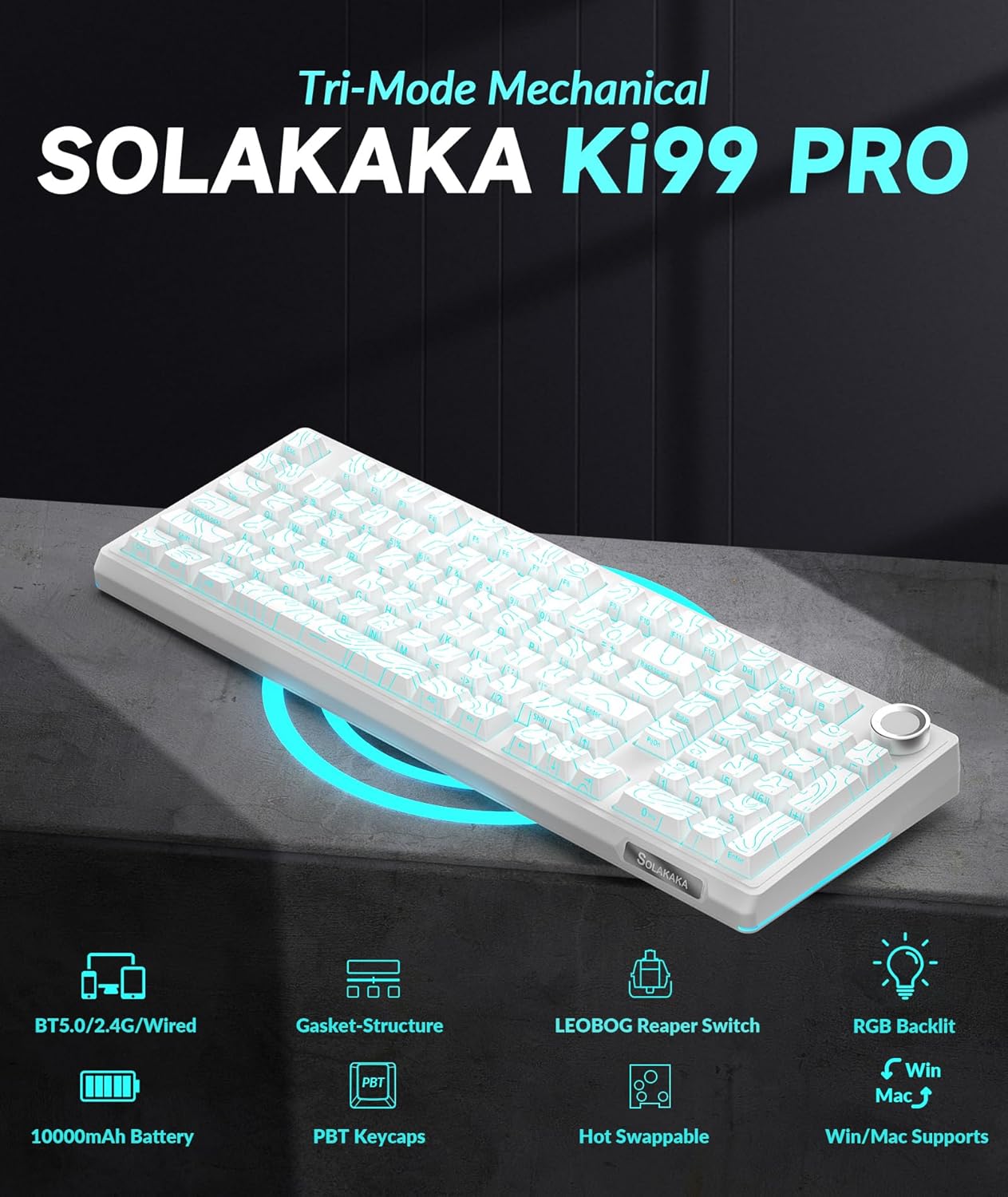
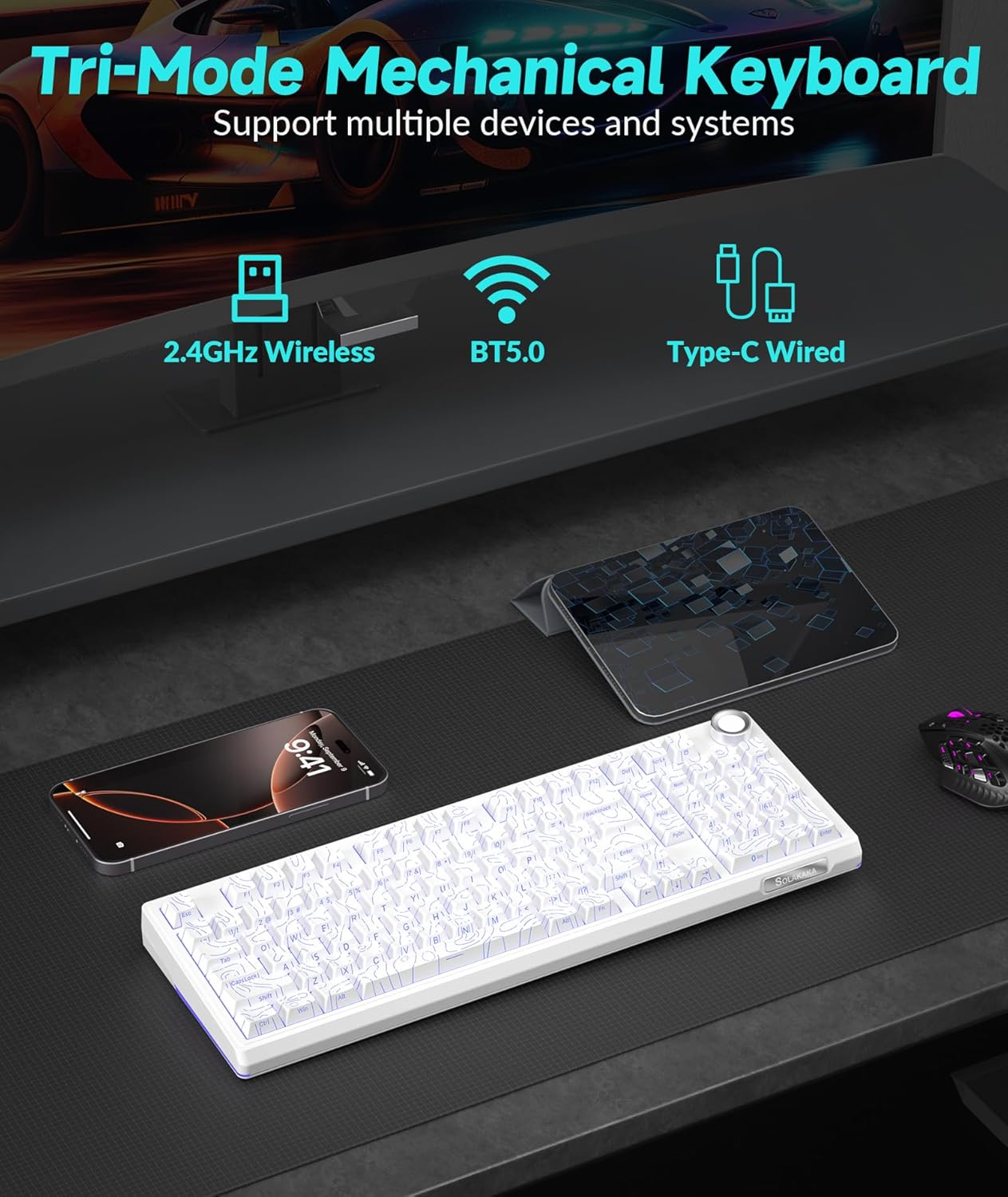
- Triple-mode Connectivity: Supports Bluetooth 5.0, 2.4GHz wireless, and Type-C wired connections for versatile use across various devices and operating systems (Windows, macOS).
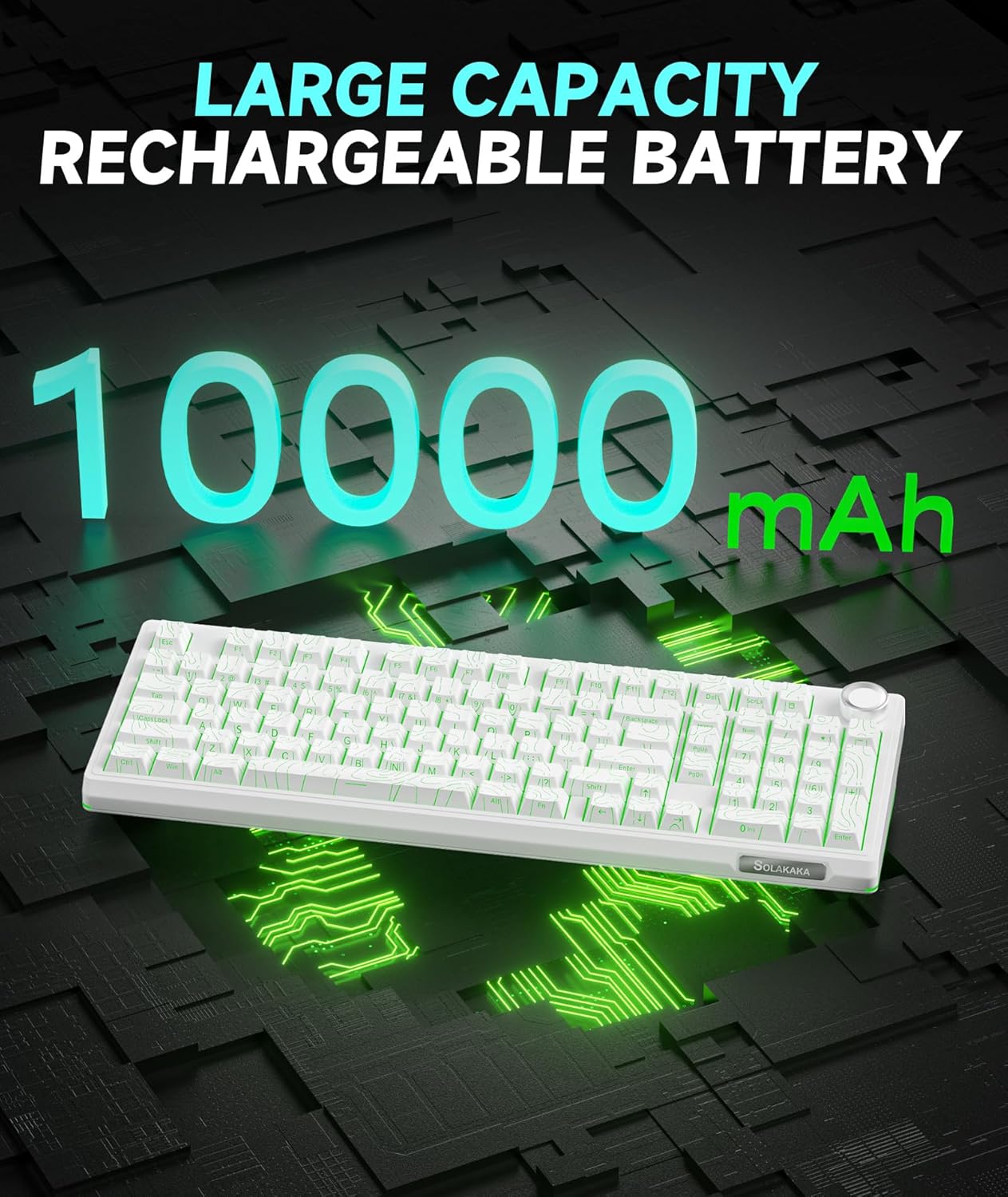
- Långvarigt batteri: Equipped with a 10,000mAh high-capacity battery for extended use.
- 96 % layout: Integrates most functional keys of a full-size keyboard in a compact form factor, including a dedicated numeric keypad.
- Multifunktionsknapp: Allows for easy adjustment of volume, media playback, and RGB lighting brightness.
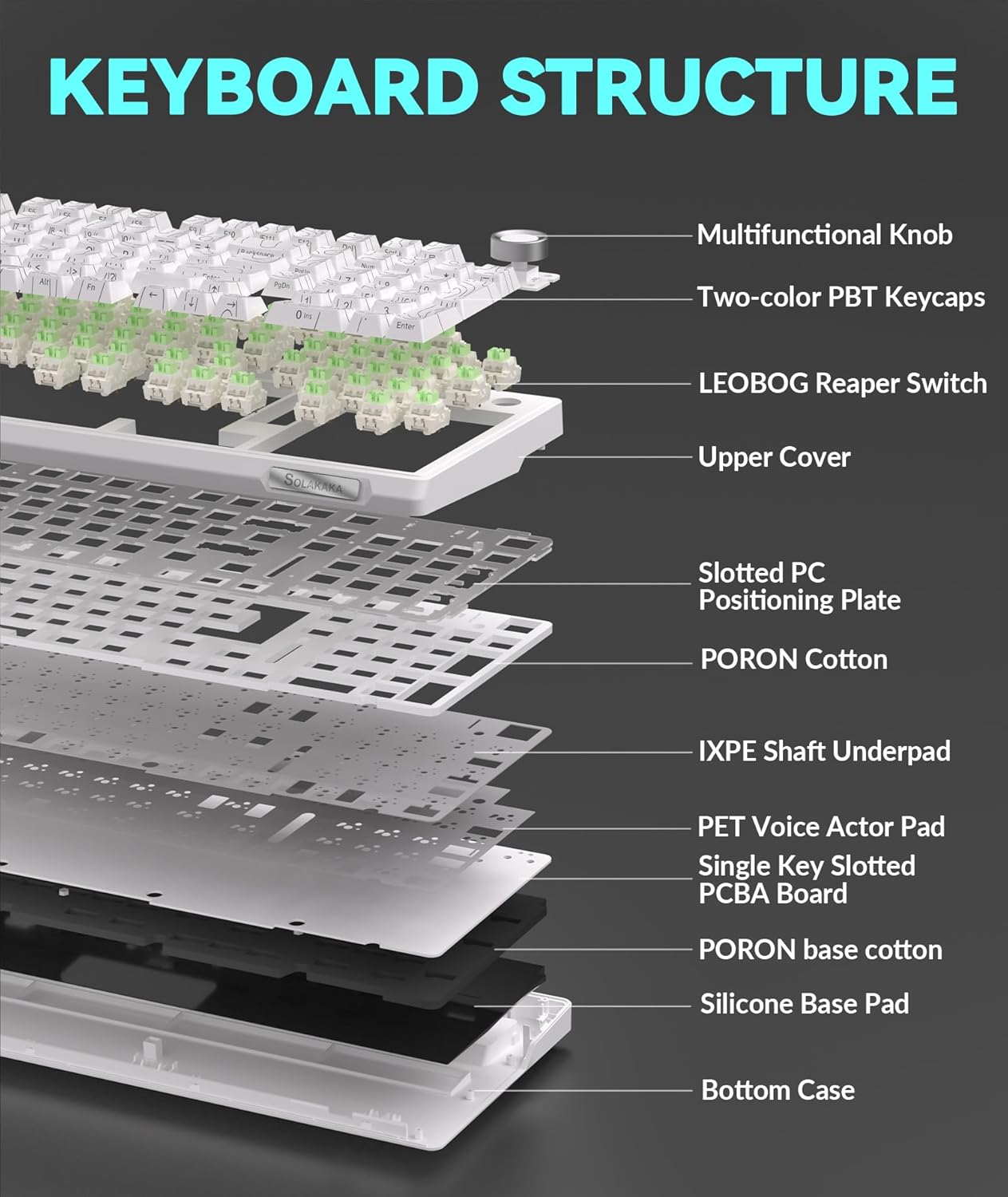
- Gasket Structure & Five-layer Noise Reduction: Designed to reduce key vibration and noise, providing a smooth and quiet typing experience.
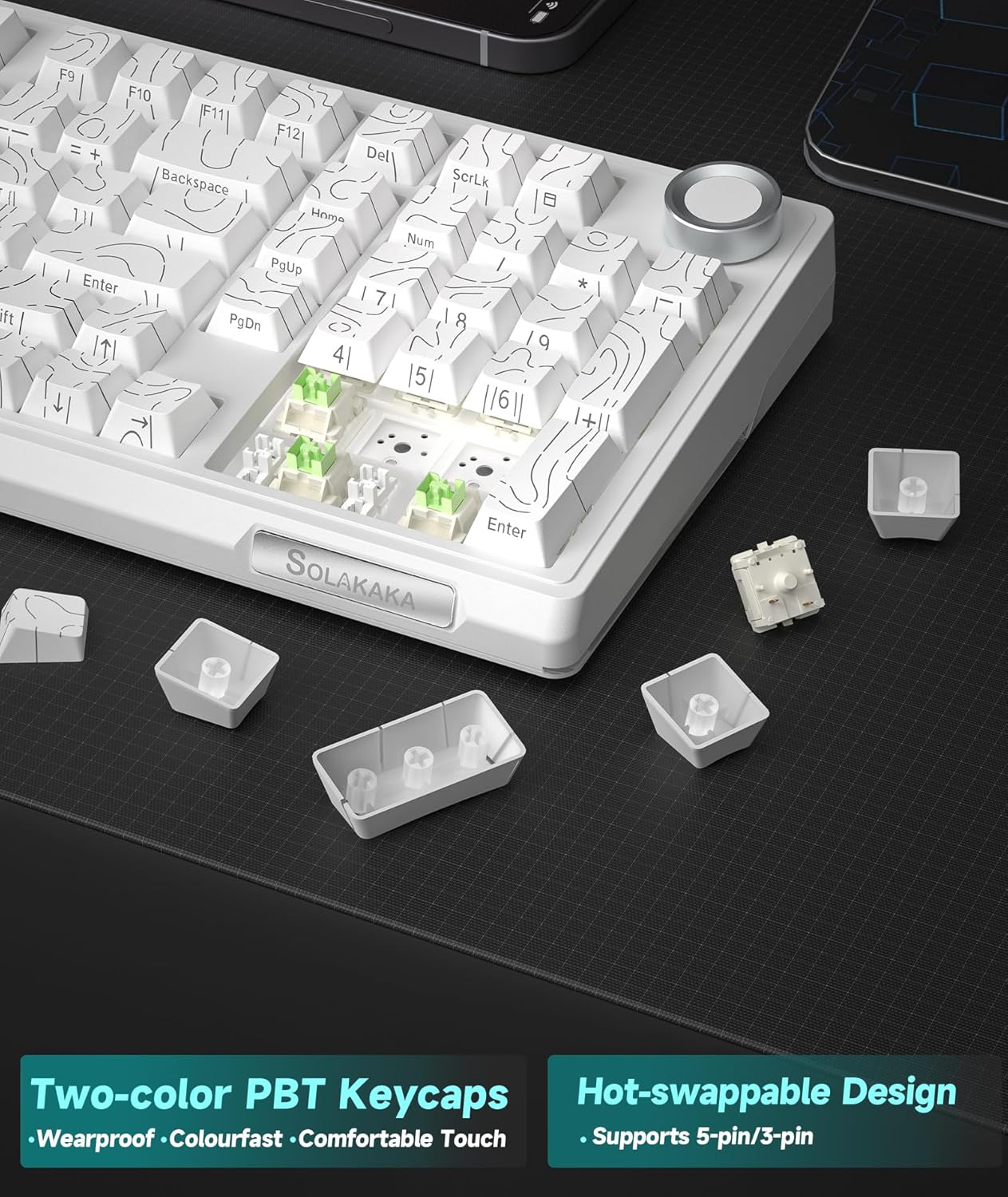
- Hot-swap-brytare: Features a 1.2mm flex-cut hot-swappable PCB and PC board, compatible with 3-pin and 5-pin switches for personalized tactile customization without soldering.
- High-quality PBT Keycaps: Dual-color injection molded PBT keycaps offer wear and fade resistance, maintaining clear characters and vibrant colors.
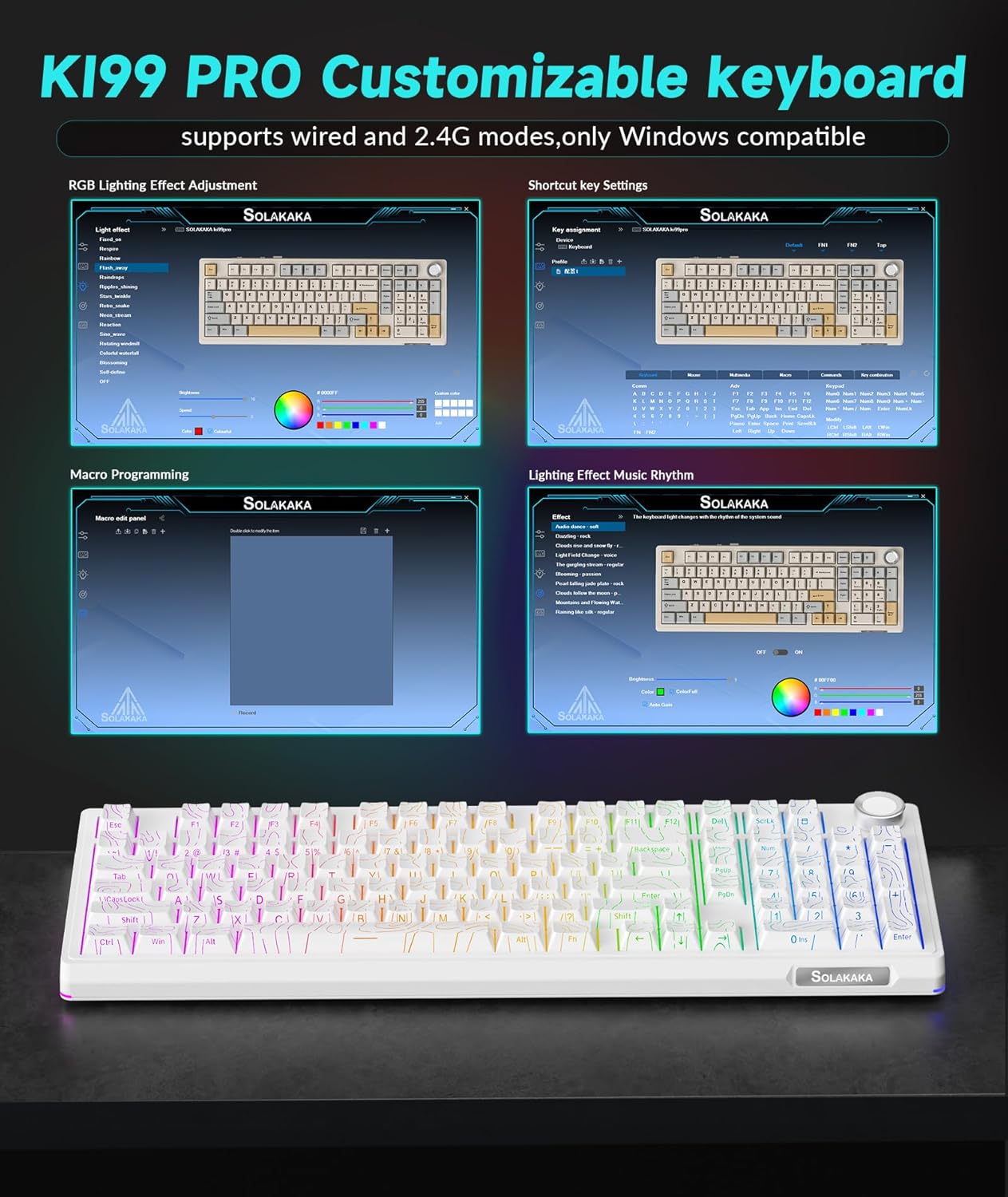
- Customizable Driver Software: Allows reprogramming key functions, adjusting RGB lighting effects, and customizing macro programming (Windows compatible for 2.4G and wired modes).
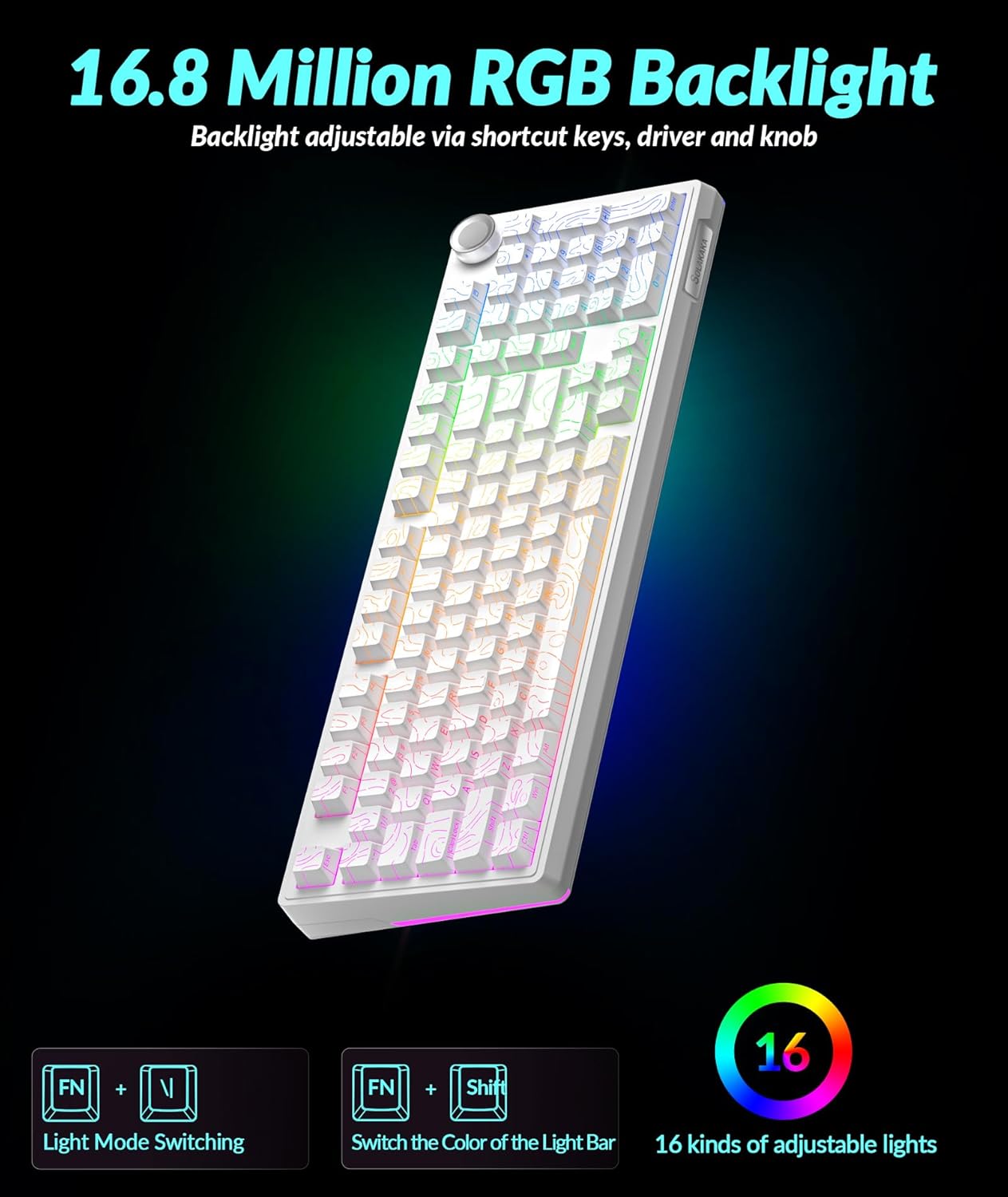
- Livfull RGB-belysning: Full-key RGB lighting and side RGB light bars with 16.8 million color options, adjustable via driver software or shortcut keys.
Installationsinstruktioner
Anslutningslägen
The KI99 Pro keyboard supports three connection modes: Wired (USB-C), 2.4GHz Wireless, and Bluetooth 5.0. A switch on the keyboard allows selection between these modes.
1. Trådbundet läge (USB-C)
- Toggle the mode switch on the keyboard to the wired position.
- Connect the provided USB-C cable from the keyboard to your computer's USB port.
- Tangentbordet kommer att kännas igen automatiskt av ditt operativsystem.
2. 2.4 GHz trådlöst läge
- Toggle the mode switch on the keyboard to the 2.4GHz wireless position.
- Leta reda på 2.4 GHz USB-mottagaren, som vanligtvis förvaras i ett fack på tangentbordet.
- Anslut 2.4 GHz USB-mottagaren till en ledig USB-port på din dator.
- Tangentbordet bör ansluta automatiskt.
3. Bluetooth 5.0-läge
- Toggle the mode switch on the keyboard to the Bluetooth position.
- Tryck och håll Fn + 1, Fn + 2, eller Fn + 3 to enter pairing mode for one of the three available Bluetooth channels. The corresponding key will flash blue, indicating it is ready for pairing.
- On your device (PC, laptop, smartphone), enable Bluetooth and search for "KI99pro 5.0".
- Select the keyboard to connect. The blue light will become solid once connected.
- För att växla mellan parade Bluetooth-enheter, tryck kort Fn + 1/2/3.
Laddar tangentbordet
The keyboard is equipped with a 10,000mAh battery. To charge, connect the USB-C cable to the keyboard and a power source (e.g., computer USB port, USB wall adapter). The charging indicator will show the charging status.
Bruksanvisning
Multifunktionsknopp
The knob located on the top right of the keyboard provides quick access to several functions:
- Rotera: Justerar systemvolymen (medurs för att öka, moturs för att minska).
- Trycka: Plays/pauses media.
- Tryck och håll: May cycle through lighting brightness levels or modes (refer to specific lighting controls).
RGB -belysningskontroll
The keyboard features full-key RGB backlighting and side RGB light bars. Lighting effects can be adjusted using shortcut keys or the customization software.
- Fn + \|: Switches RGB backlight effects.
- Fn + ← / →: Adjusts lighting effects speed.
- Fn + ↑ / ↓: Justerar bakgrundsbelysningens ljusstyrka.
- Fn + Shift: Switches side light mode.
- Fn + Alt: Switches side light brightness.
- Fn + ?: Switches side light color.
- Fn + Esc: Restores factory lighting settings.
Anpassningsmjukvara
The KI99 Pro supports driver software for advanced customization. This software is compatible with Windows operating systems when the keyboard is connected via wired or 2.4GHz wireless mode. It allows users to:
- Omprogrammera nyckelfunktioner.
- Adjust RGB lighting effects in detail.
- Create and customize macro programming.
Please visit the official SOLAKAKA website to download the latest version of the customization software.
Underhåll
Rengöring av tangentbordet
- Koppla bort tangentbordet från alla strömkällor och enheter före rengöring.
- Använd en mjuk, luddfri trasa något damprengör med vatten eller en mild rengöringslösning för att torka av tangentkåporna och chassit.
- Avoid excessive moisture and do not spray cleaning solutions directly onto the keyboard.
- Använd tryckluft för att ta bort damm och skräp mellan tangentknapparna.
Hot-swapping-brytare
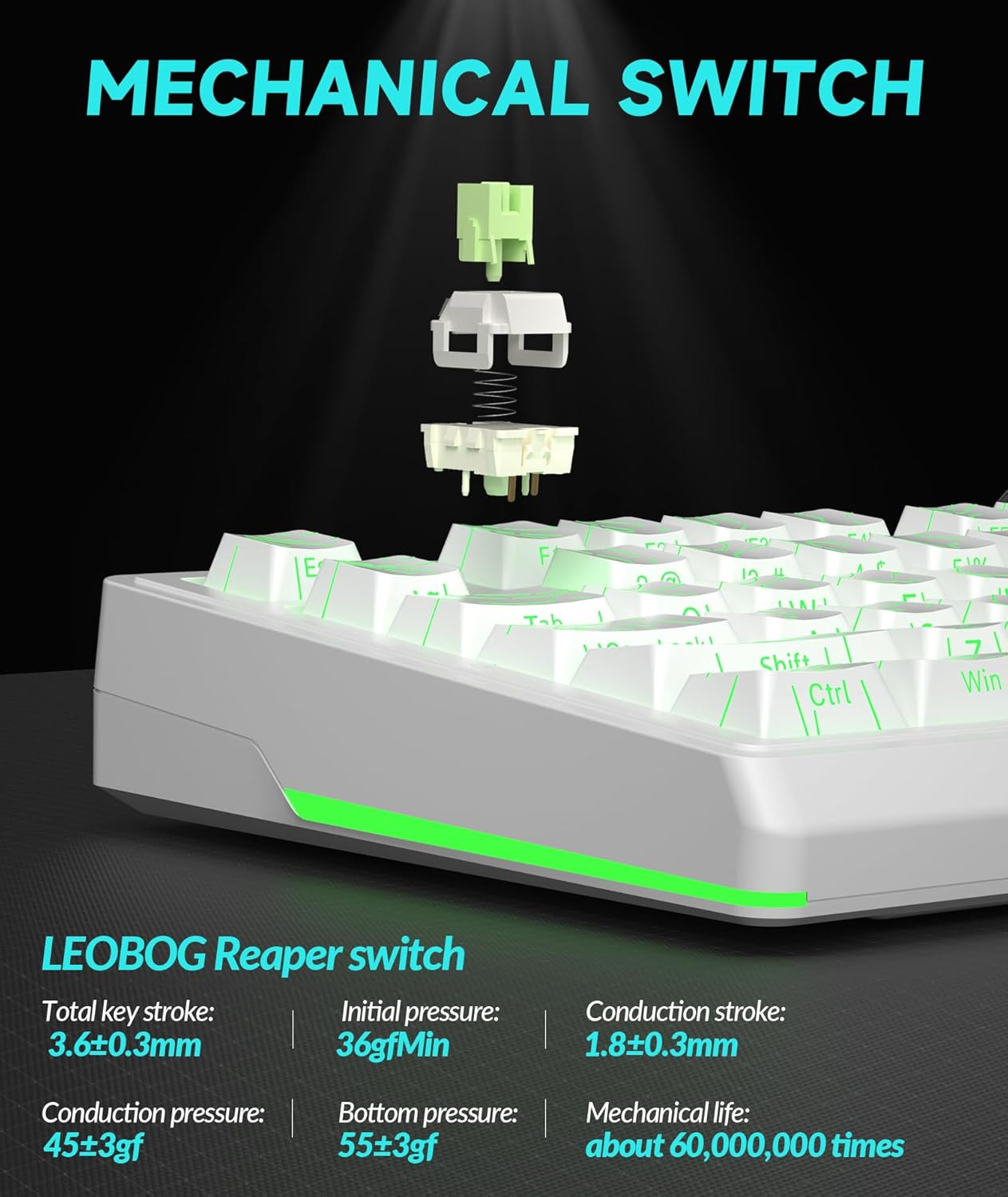
The KI99 Pro features hot-swappable switches, allowing for easy replacement without soldering. This enables customization of typing feel and sound.
- Ta försiktigt bort tangentlocket med en tangentavdragare.
- Use a switch puller to carefully extract the switch from the PCB. Ensure the switch is pulled straight up to avoid bending the pins.
- Rikta in stiften på den nya 3-poliga eller 5-poliga brytaren med hålen på kretskortet.
- Press the new switch firmly into place until it clicks. Ensure it is seated correctly and functions properly before replacing the keycap.
Felsökning
| Problem | Möjlig orsak | Lösning |
|---|---|---|
| Tangentbordet svarar inte i trådlöst läge. | Low battery, incorrect mode selected, receiver not plugged in (2.4GHz), not paired (Bluetooth), out of range. |
|
| Nycklar registreras inte eller dubbelskrivs. | Dust/debris under keycap/switch, faulty switch, software issue. |
|
| RGB-belysningen fungerar inte eller är felaktig. | Lighting settings incorrect, software glitch. |
|
| Keyboard not charging. | Faulty cable, power source, or keyboard port. |
|
Specifikationer
| Stämpla | SOLAKAKA |
| Modellnummer | KI99PRO |
| Tangentbordsbeskrivning | Mekanisk |
| Anslutningsteknik | 2.4 GHz trådlös, Bluetooth 5.0, USB-C trådbunden |
| Kompatibla enheter | Laptop, PC, Smartphone (Windows, macOS) |
| Specialfunktioner | Customizable, Hot-Swappable, Multifunctional Knob, Programmable, RGB Backlighting |
| Keycap -material | PBT (Dual-color injection molded) |
| Batterikapacitet | 10,000mAh (2 Lithium Ion batteries included) |
| Objektets vikt | 3.27 pund |
| Paketets mått | 17.13 x 6.73 x 2.13 tum |
| Tillverkare | SOLAKAKA |
Garanti och support
För garantiinformation, teknisk support eller ytterligare hjälp, vänligen se den officiella SOLAKAKA-webbplatsen. webwebbplatsen eller kontakta deras kundtjänst direkt. Information om produktregistrering och garantianspråk finns vanligtvis på tillverkarens supportsidor.
Manufacturer: SOLAKAKA
Besök SOLAKAKA Store för fler produkter och supportinformation.


